Kigi (kigi) 🌘
🕸️ The world's first CLI with built-in Graph Engineering
/graph turns one objective into a dependency graph of
autonomous, self-verifying agent loops — planned, parallelized,
adversarially verified, and merged back, end to end.
**Kigi** started as an unofficial Kimi Code CLI community build, a
terminal-based AI coding agent re-targeted at the Kimi Code subscription API,
built on the Apache-2.0 sources of
[xai-org/grok-build](https://github.com/xai-org/grok-build). It first shipped
wired to Kimi Code and the Moonshot open platform. By request, it now works
with 25 providers: OpenAI, Anthropic, Google, xAI, Groq, Cerebras, OpenRouter,
MiniMax, Z.AI, Qwen, Xiaomi, and more. The full list is under
[Providers and API keys](#providers-and-api-keys).
It runs as a full-screen TUI that understands your codebase, edits files,
executes shell commands, searches the web, and manages long-running tasks,
interactively, headlessly for scripting/CI, or embedded in editors via the
Agent Client Protocol (ACP).
[Installation](#installation) ·
[Graph engineering](#graph-engineering) ·
[Providers and API keys](#providers-and-api-keys) ·
[Building from source](#building-from-source) ·
[Coexistence with the official CLI](#coexistence-with-the-official-kimi-cli) ·
[License](#license)
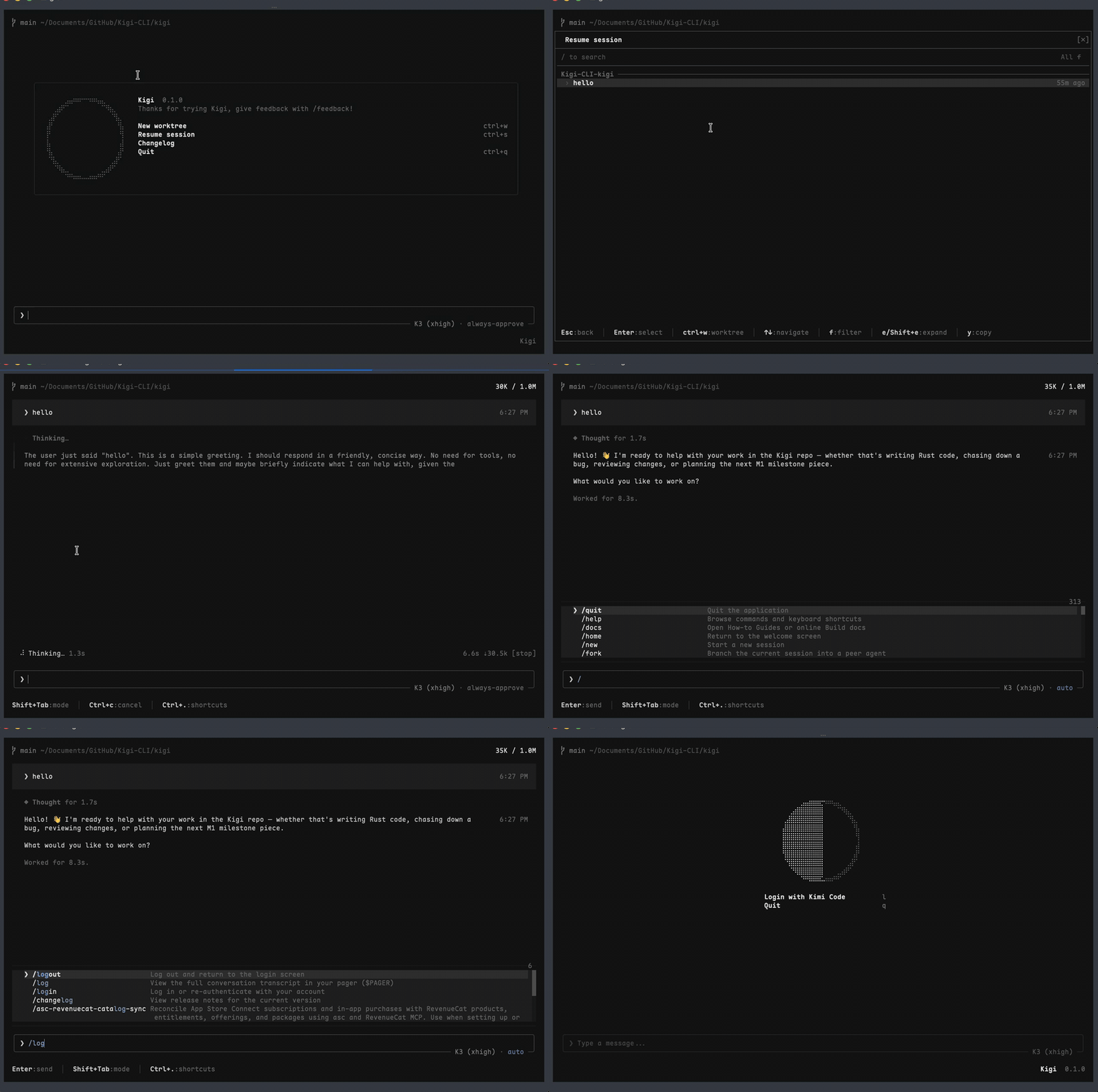
[Full-quality recording (mp4)](video/Kigi.mp4)
---
## Installation
Prebuilt single-file binaries for macOS (arm64/x86_64), Linux (arm64/x86_64),
and Windows (x86_64) are published on
[GitHub Releases](https://github.com/ZacharyZhang-NY/Kigi-CLI/releases):
```sh
# macOS / Linux
curl -fsSL https://raw.githubusercontent.com/ZacharyZhang-NY/Kigi-CLI/main/install.sh | bash
```
```powershell
# Windows PowerShell
irm https://raw.githubusercontent.com/ZacharyZhang-NY/Kigi-CLI/main/install.ps1 | iex
```
```sh
kigi --version # kigi 0.1.1 … unofficial Kimi Code CLI community build
kigi login # sign in with your Kimi Code subscription (device-code flow)
kigi # start the TUI
```
The installer verifies every download against the release's `SHA256SUMS`,
installs into `~/.kigi/bin/kigi` (`%USERPROFILE%\.kigi\bin\kigi.exe` on
Windows), persists the PATH line for you, and **enables graph engineering
by default** (`KIGI_GRAPH=1`; see [Graph engineering](#graph-engineering)
to disable). Later releases arrive through the
built-in self-updater (`kigi update`, gated by `KIGI_AUTO_UPDATE`), which
pulls from the same GitHub Releases feed.
## Graph engineering
Kigi is the first CLI to ship *graph engineering* as a first-class command:
where a loop drives one agent, a graph is the programmable organization
connecting many.
```
/graph