David Heinemeier HanssonandClaude Fable 5
55434792d1
David Heinemeier HanssonandClaude Fable 5
55434792d1
Add chapters for the top bar and its panels, screenshots and recording,
toggles/idle/screensaver, browsers, shell plugins, and networking, which
collects the Wi-Fi, DNS, firewall, and Tailscale material that was spread
across the FAQ, TUIs, and services chapters.

Fill smaller gaps in the existing chapters: user hooks, autostart, menu
extensions, printing, power profiles, factory reset, drive and user
passwords, passwordless sudo, firmware updates, display text size, and
the LocalSend share menu.

Co-Authored-By: Claude Fable 5 <noreply@anthropic.com>
851 B
851 B
Notices
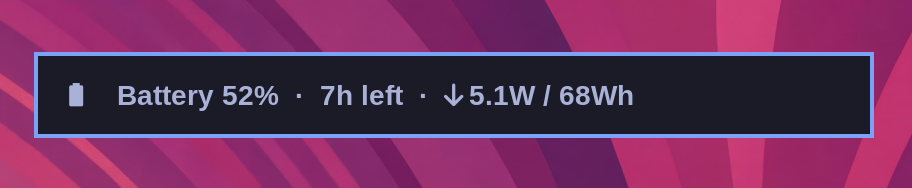
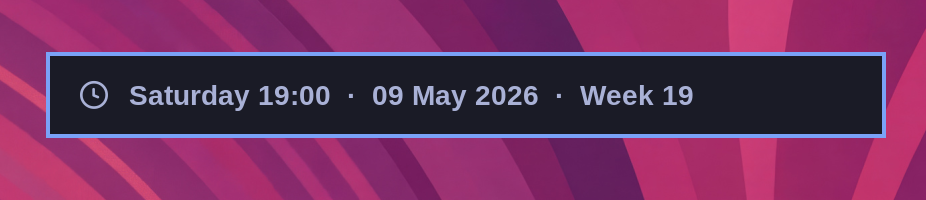
You can quickly access the date and time, battery status, and current weather using the hotkey notices.
Date & Time
Super + Ctrl + Alt + T
Weather
Super + Ctrl + Alt + W
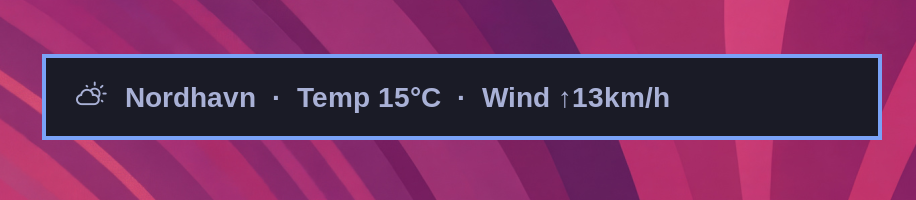
The location is detected from your IP address, which is usually close enough, but not always. You can pin it down with omarchy weather location --set Malibu, or be exact about it by adding coordinates: omarchy weather location --set Malibu 34.0259,-118.7798. Run omarchy weather location on its own to see where it thinks you are, and --clear to go back to auto-detection.
Battery
Super + Ctrl + Alt + B