David Heinemeier HanssonandClaude Fable 5
1ae83f1606
David Heinemeier HanssonandClaude Fable 5
1ae83f1606
Add "Coming From Mac or Windows" as chapter 3: a translation layer for
Cmd/Win instincts rather than a feature tour.

Fill the remaining coverage gaps: fcitx5 input methods, laptop speaker
tuning, touchpad haptics, crash capture in the toggle table, the
installable font list, and the ChatGPT Desktop and Grok Bot entries.

Correct claims that drifted from the source: the network and bluetooth
bar icons no longer launch nmtui/bluetoothctl, monitor scaling steps
rather than cycles, and the display widget's scroll steps brightness.

Co-Authored-By: Claude Fable 5 <noreply@anthropic.com>
851 B
851 B
Notices
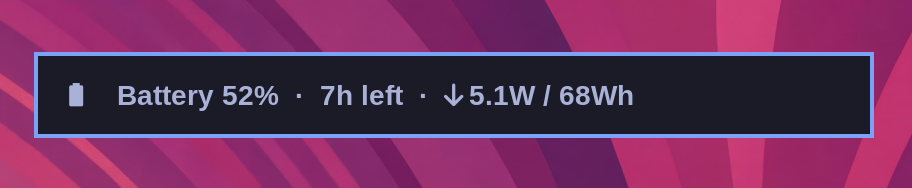
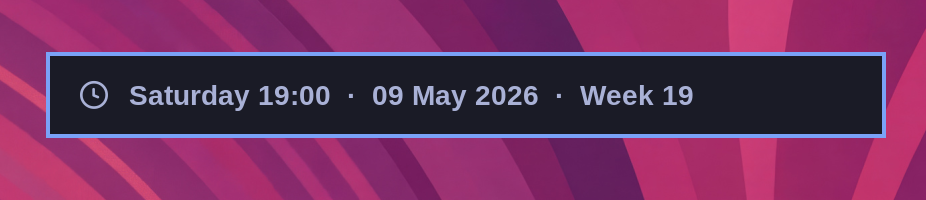
You can quickly access the date and time, battery status, and current weather using the hotkey notices.
Date & Time
Super + Ctrl + Alt + T
Weather
Super + Ctrl + Alt + W
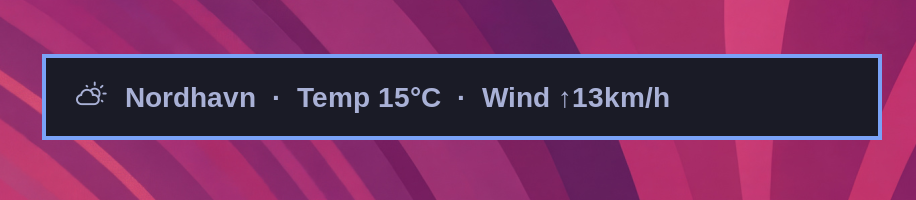
The location is detected from your IP address, which is usually close enough, but not always. You can pin it down with omarchy weather location --set Malibu, or be exact about it by adding coordinates: omarchy weather location --set Malibu 34.0259,-118.7798. Run omarchy weather location on its own to see where it thinks you are, and --clear to go back to auto-detection.
Battery
Super + Ctrl + Alt + B