
28 lines
1.2 KiB
Markdown
28 lines
1.2 KiB
Markdown
# Branding
|
|
|
|
Omarchy allows you to set your company logo or personal image for both the boot unlock, the screensaver, and the about screen.
|
|
|
|
### Boot unlock
|
|
|
|
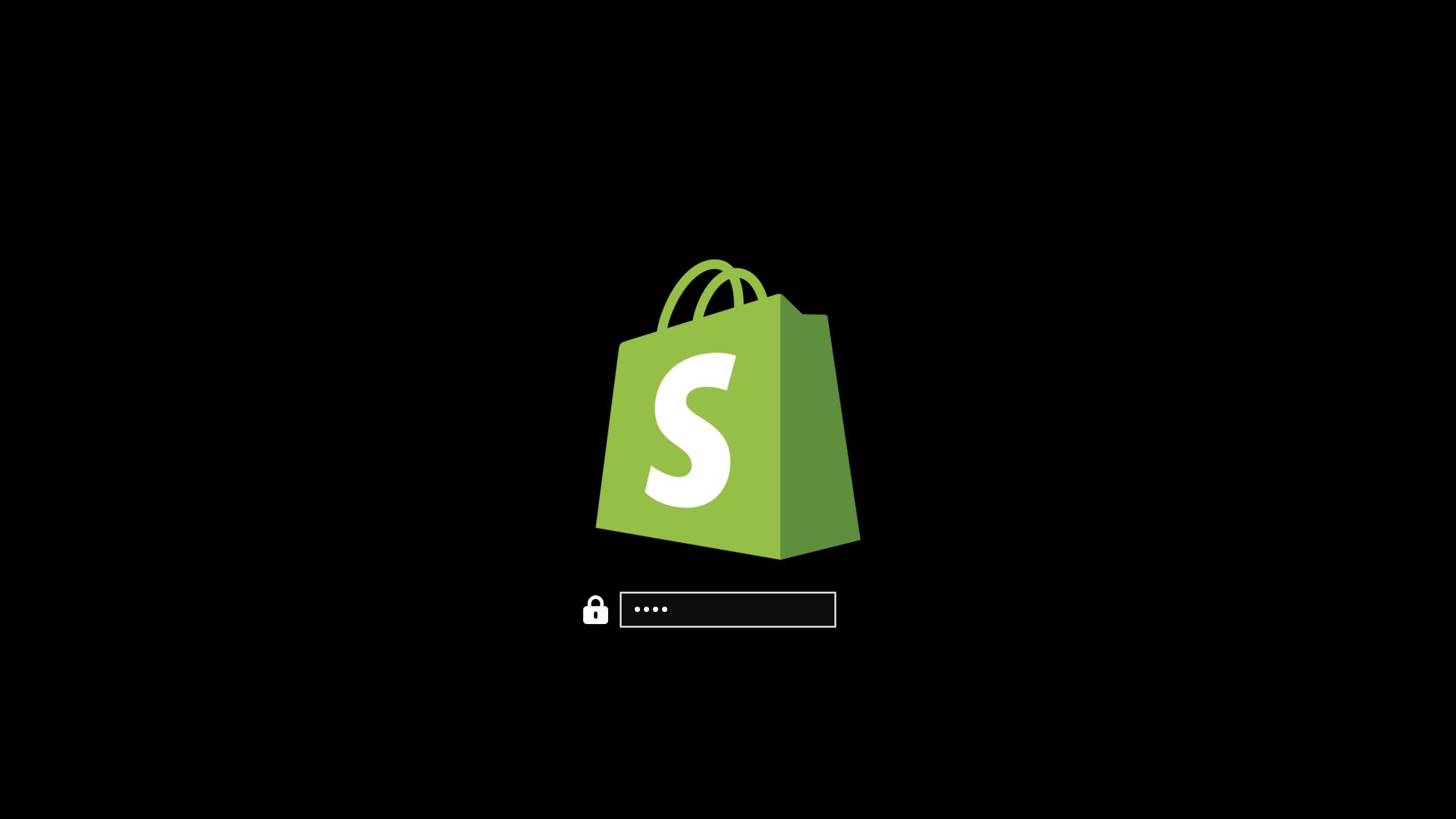
You can use `omarchy plymouth preview` to see what your custom logo and colors would look like. It takes a background color, a text color, a logo png, and a path for the preview image:
|
|
|
|
```
|
|
omarchy plymouth preview '#1d2021' '#ebdbb2' logo.png preview.png
|
|
```
|
|
|
|
Then apply the setup with `omarchy plymouth set '#1d2021' '#ebdbb2' logo.png`, which will also give the SDDM login screen the same colors and logo. If you want to revert, you can use `omarchy plymouth reset`.
|
|
|
|
|
|
|
|
### Screensaver
|
|
|
|
You can change the logo used for the screensaver under _Style > Screensaver_. It's an ASCII logo, so you can edit the text directly, but you can also upload a png or svg image, and we'll convert that to ASCII. It looks pretty cool.
|
|
|
|

|
|
|
|
### About screen
|
|
|
|
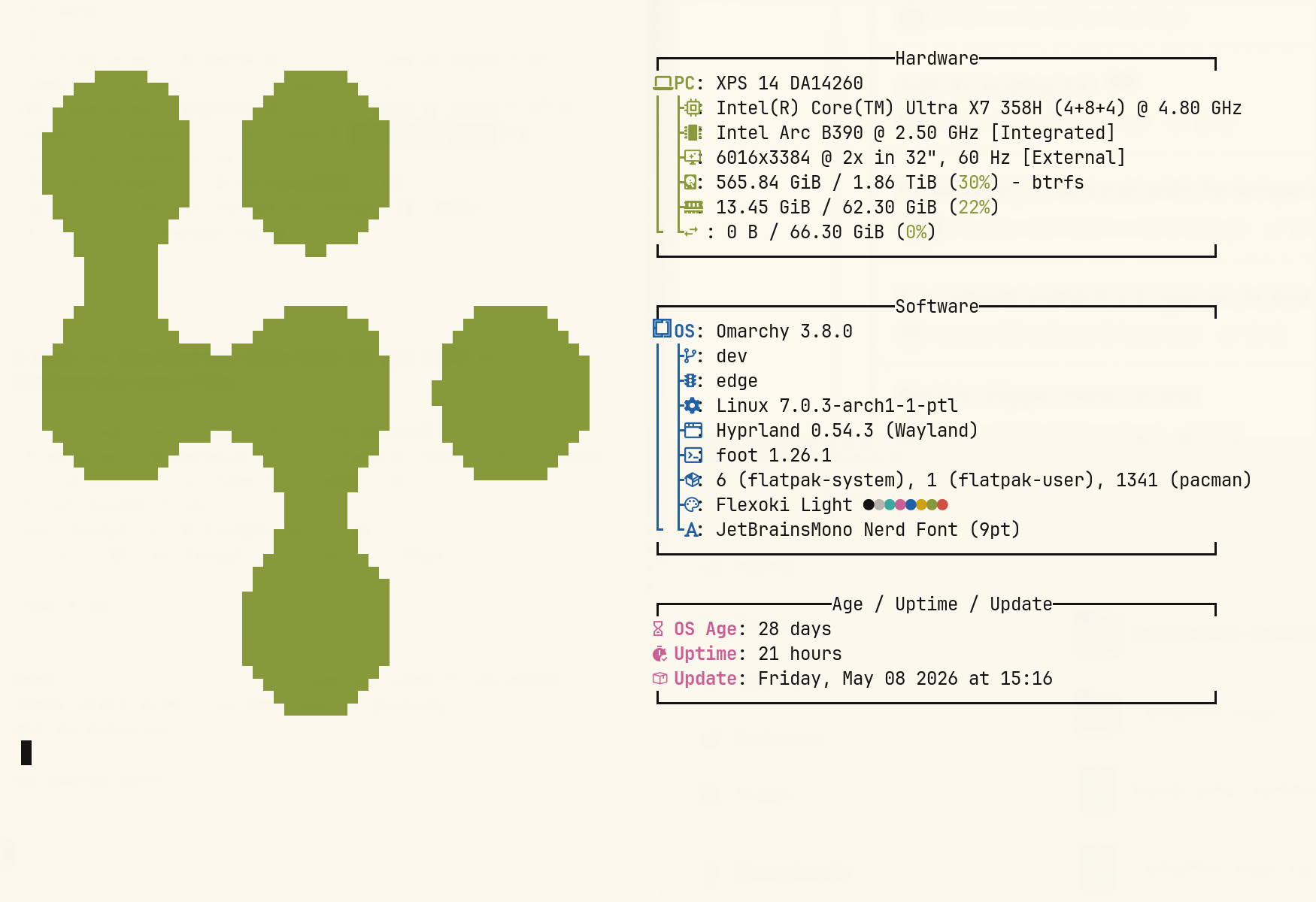
The same can be done with the _About_ screen accessible from the Omarchy menu. Same options as with the screensaver under _Style > About_.
|
|
|
|
|