 David Heinemeier HanssonandClaude Fable 5
1ae83f1606
David Heinemeier HanssonandClaude Fable 5
1ae83f1606
Add "Coming From Mac or Windows" as chapter 3: a translation layer for
Cmd/Win instincts rather than a feature tour.

Fill the remaining coverage gaps: fcitx5 input methods, laptop speaker
tuning, touchpad haptics, crash capture in the toggle table, the
installable font list, and the ChatGPT Desktop and Grok Bot entries.

Correct claims that drifted from the source: the network and bluetooth
bar icons no longer launch nmtui/bluetoothctl, monitor scaling steps
rather than cycles, and the display widget's scroll steps brightness.

Co-Authored-By: Claude Fable 5 <noreply@anthropic.com>
10 lines
704 B
Markdown
10 lines
704 B
Markdown
# Fonts
|
|
|
|
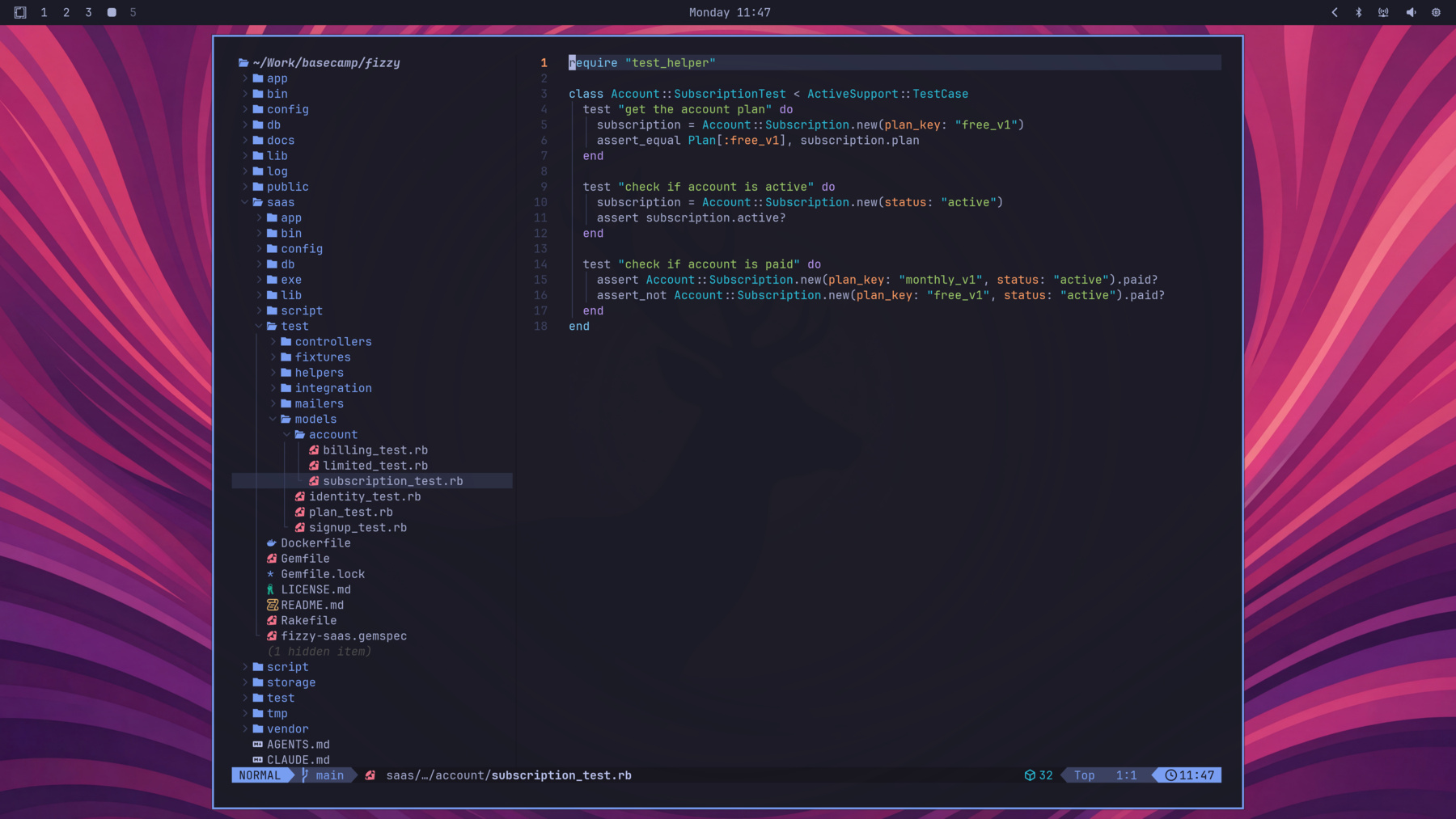
Omarchy uses JetBrainsMono Nerd Font as both the terminal and system font by default.
|
|
|
|
|
|
|
|
You can change this through the _Style > Font_ menu in the Omarchy menu (`Super + Space`). That sets the monospace font everywhere: the terminal, the bar, and anything else that asks for it.
|
|
|
|
You can install other popular programming fonts via _Install > Style > Font_ in the Omarchy menu: Cascadia Mono, Meslo LG Mono, Fira Code, Victor Code, Bitstream Vera Mono, and Iosevka are all one click away, in their Nerd Font versions so the glyphs in the bar and terminal keep working. After installing one, pick it under _Style > Font_.
|