 David Heinemeier HanssonandClaude Fable 5
55434792d1
David Heinemeier HanssonandClaude Fable 5
55434792d1
Add chapters for the top bar and its panels, screenshots and recording,
toggles/idle/screensaver, browsers, shell plugins, and networking, which
collects the Wi-Fi, DNS, firewall, and Tailscale material that was spread
across the FAQ, TUIs, and services chapters.

Fill smaller gaps in the existing chapters: user hooks, autostart, menu
extensions, printing, power profiles, factory reset, drive and user
passwords, passwordless sudo, firmware updates, display text size, and
the LocalSend share menu.

Co-Authored-By: Claude Fable 5 <noreply@anthropic.com>
128 lines
4.1 KiB
Markdown
128 lines
4.1 KiB
Markdown
# Themes
|
|
|
|
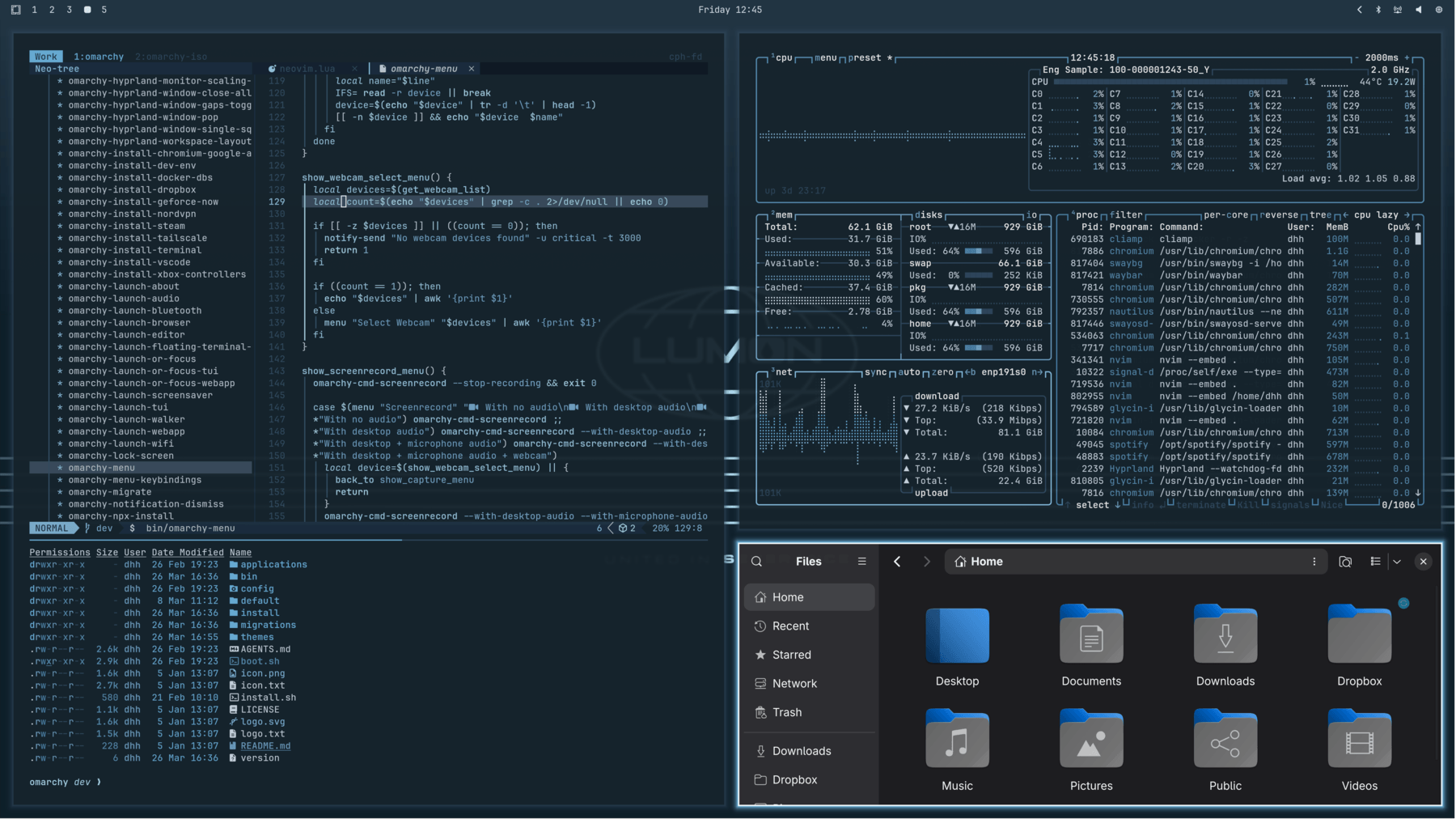
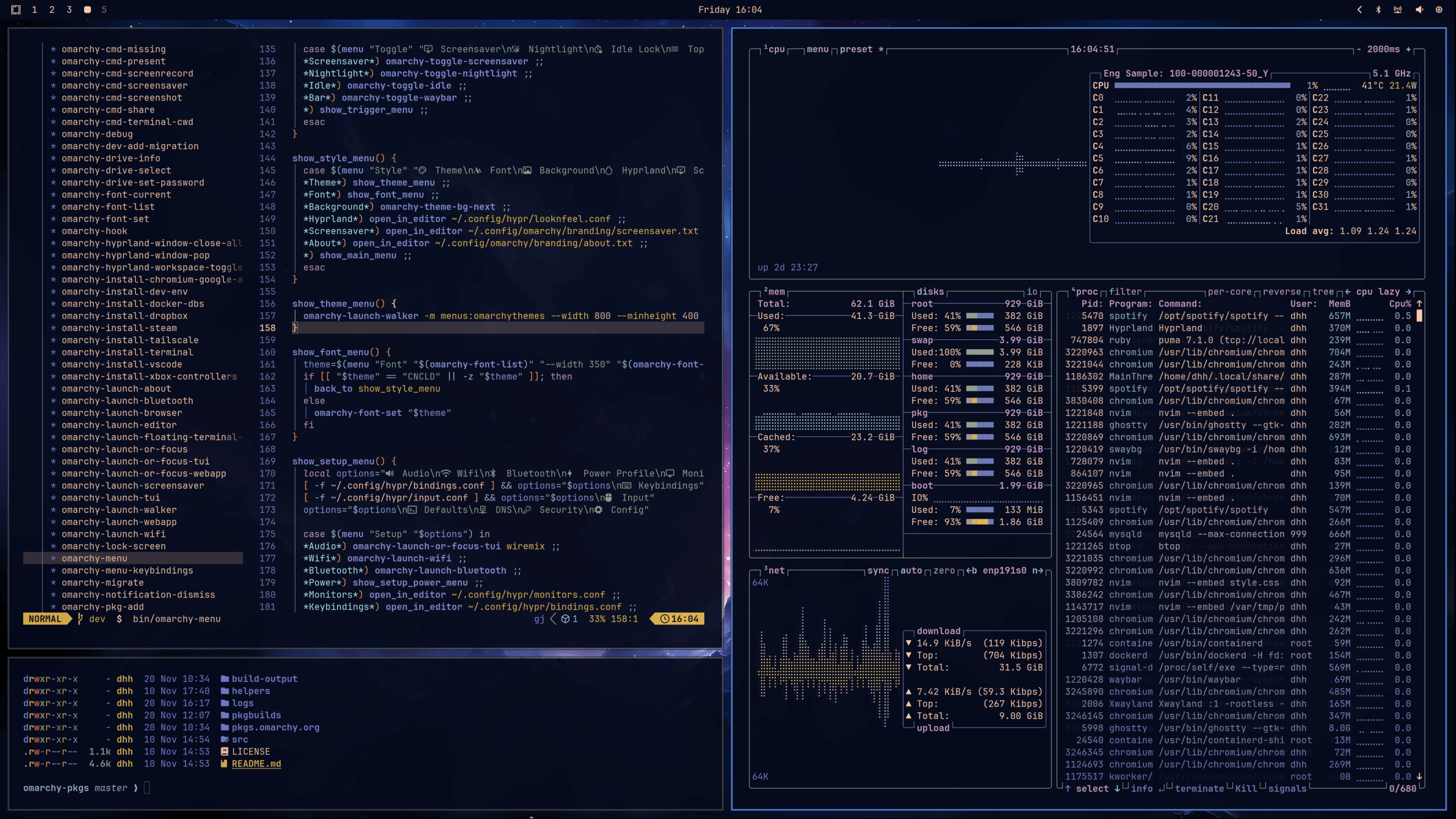
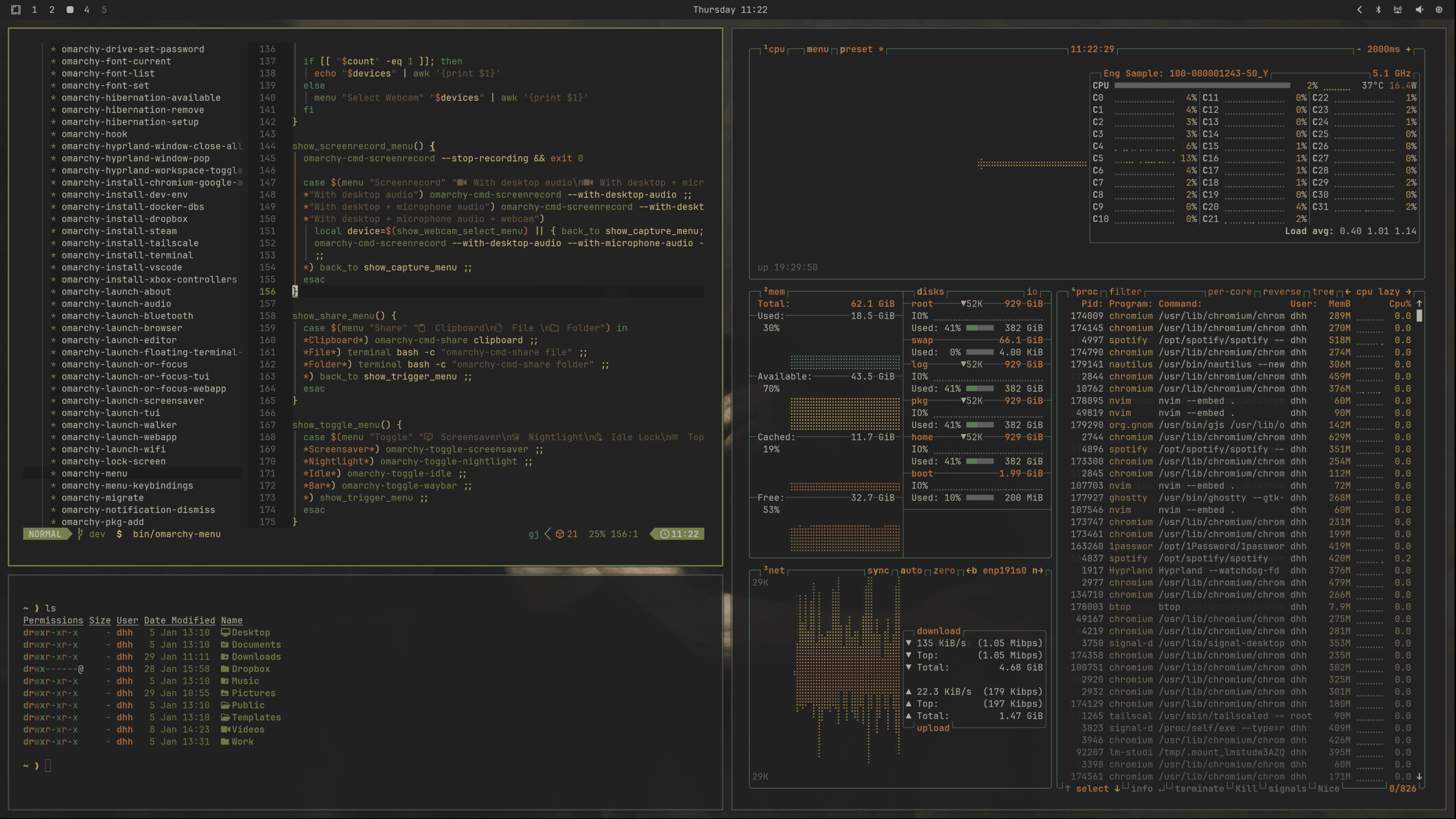
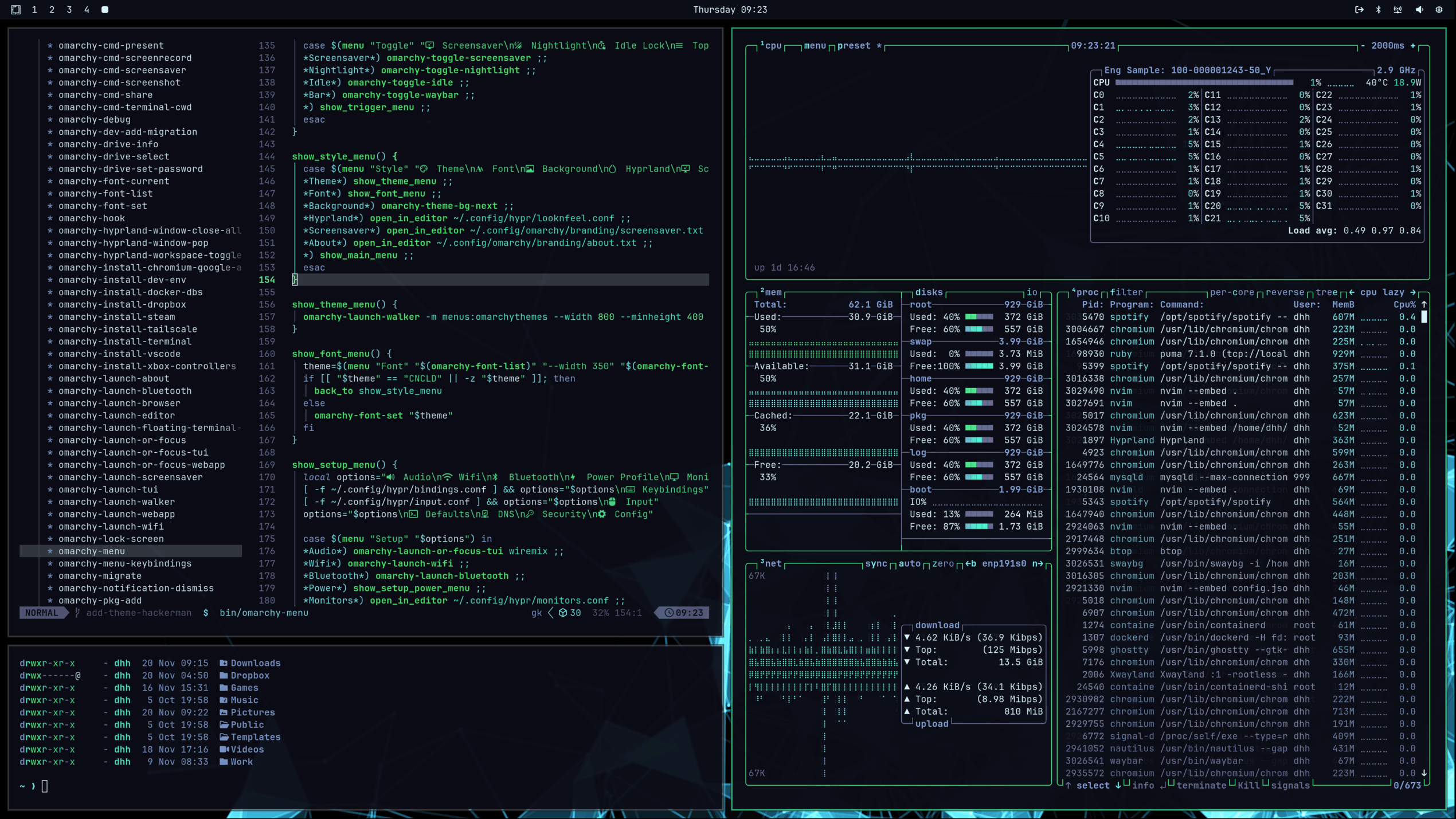
Omarchy comes with twenty-two beautiful themes. You can select between them via _Style > Theme_ in the Omarchy Menu (`Super + Space`) or hop directly to the theme selector using `Super + Ctrl + Shift + Space`.
|
|
|
|
Each theme styles the desktop, terminal, neovim, activity screen (btop), Chromium, and the entire Omarchy shell: top bar, menu, notifications, OSD, and the lock screen. (For Obsidian, you must manually select the Omarchy theme via _Appearance > Themes_ inside the app).
|
|
|
|
Themes have a set of background images that you can pick between using `Super + Ctrl + Space`.
|
|
|
|
You can find even more themes on [the extra themes page](42-extra-themes.md) or even [make your own theme](43-making-your-own-theme.md).
|
|
|
|

|
|
_Tokyo Night_
|
|
|
|

|
|
_Catppuccin_
|
|
|
|
|
|
_Lumon_
|
|
|
|
|
|
_Ethereal_
|
|
|
|

|
|
_Everforest_
|
|
|
|

|
|
_Gruvbox_
|
|
|
|
|
|
_Miasma_
|
|
|
|
|
|
_Hackerman_
|
|
|
|

|
|
_Osaka Jade_
|
|
|
|

|
|
_Kanagawa_
|
|
|
|

|
|
_Nord_
|
|
|
|

|
|
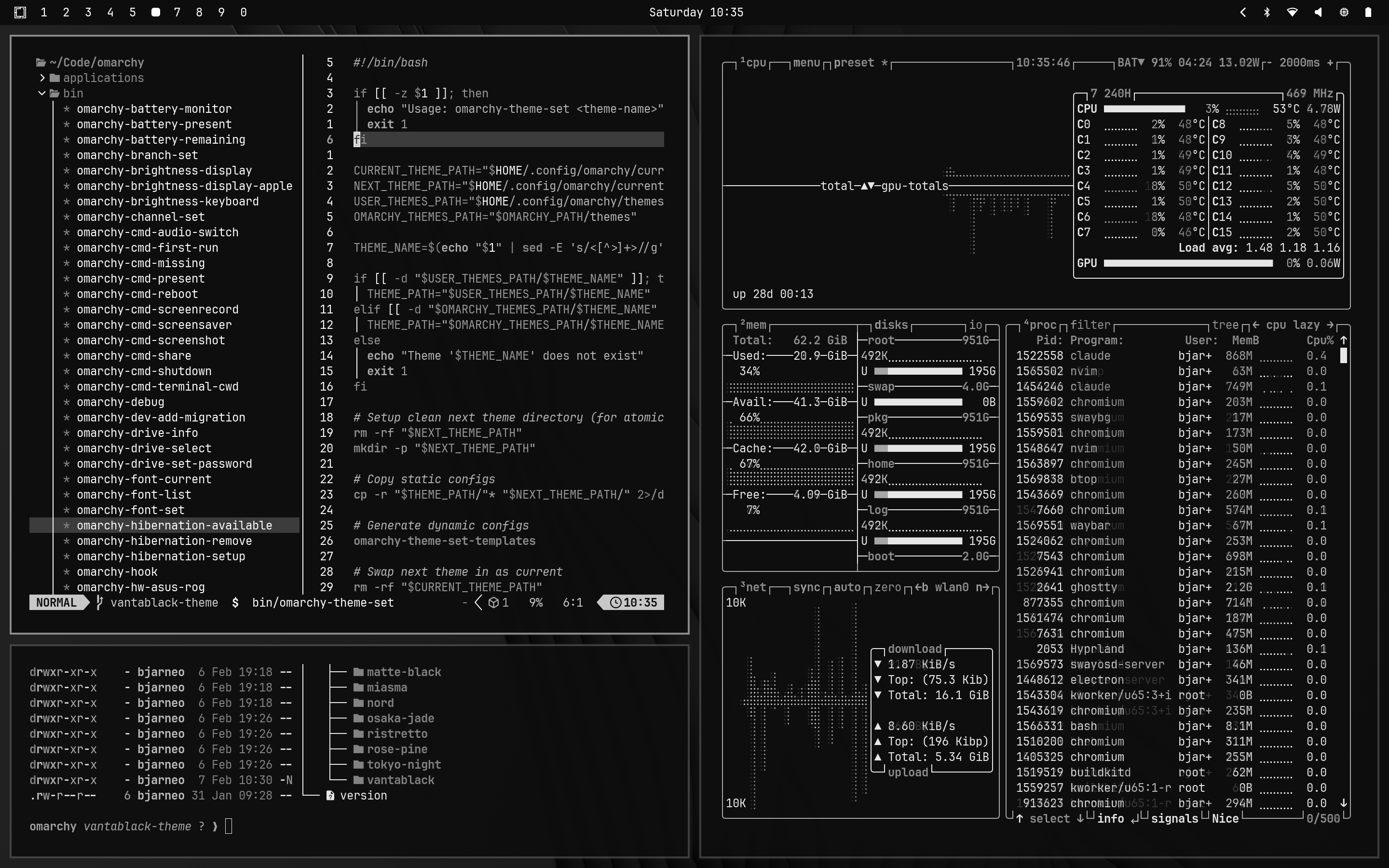
_Matte Black_
|
|
|
|
|
|
_Vantablack_
|
|
|
|

|
|
_Ristretto_
|
|
|
|
|
|
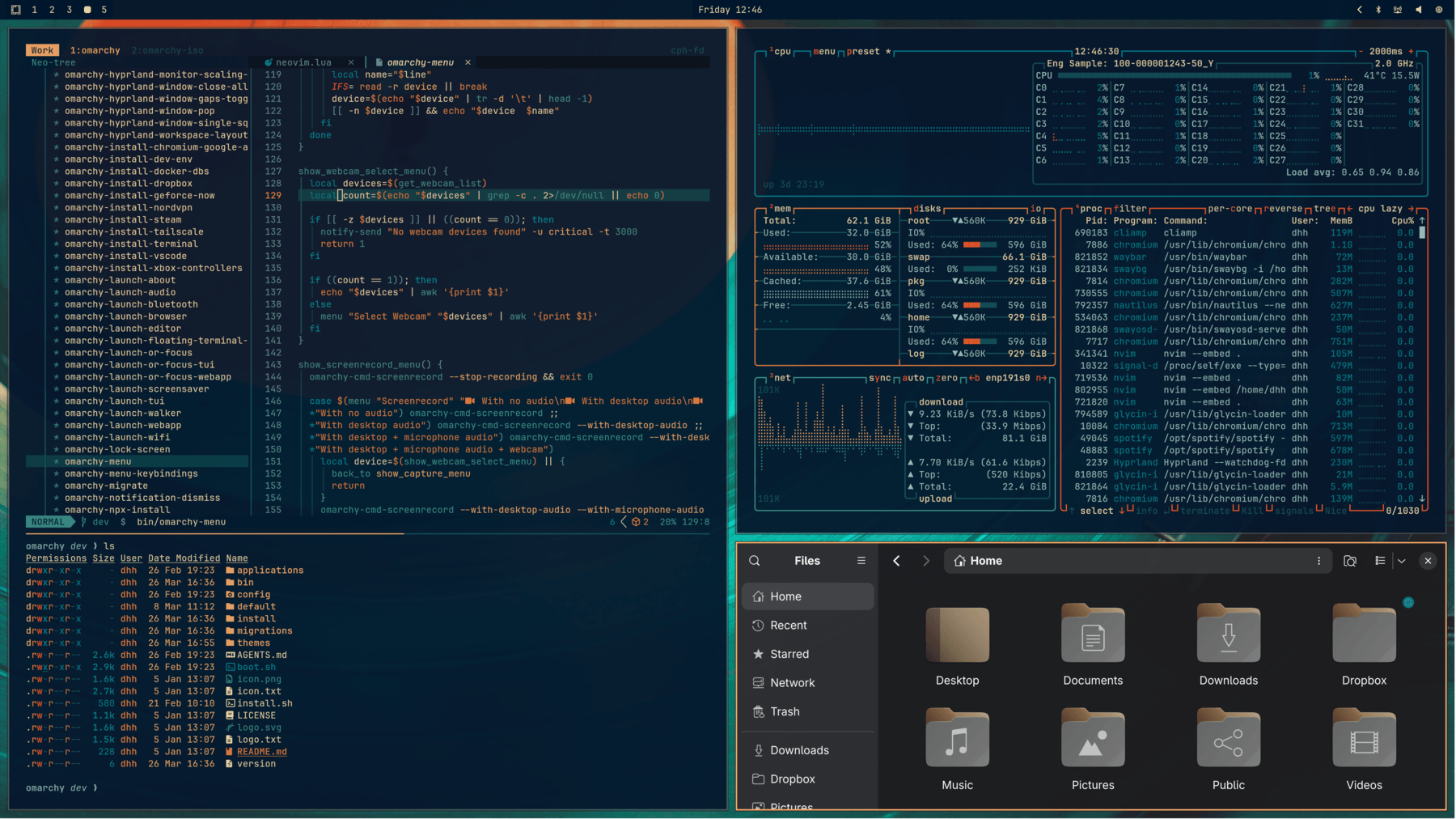
_Retro 82_
|
|
|
|
|
|
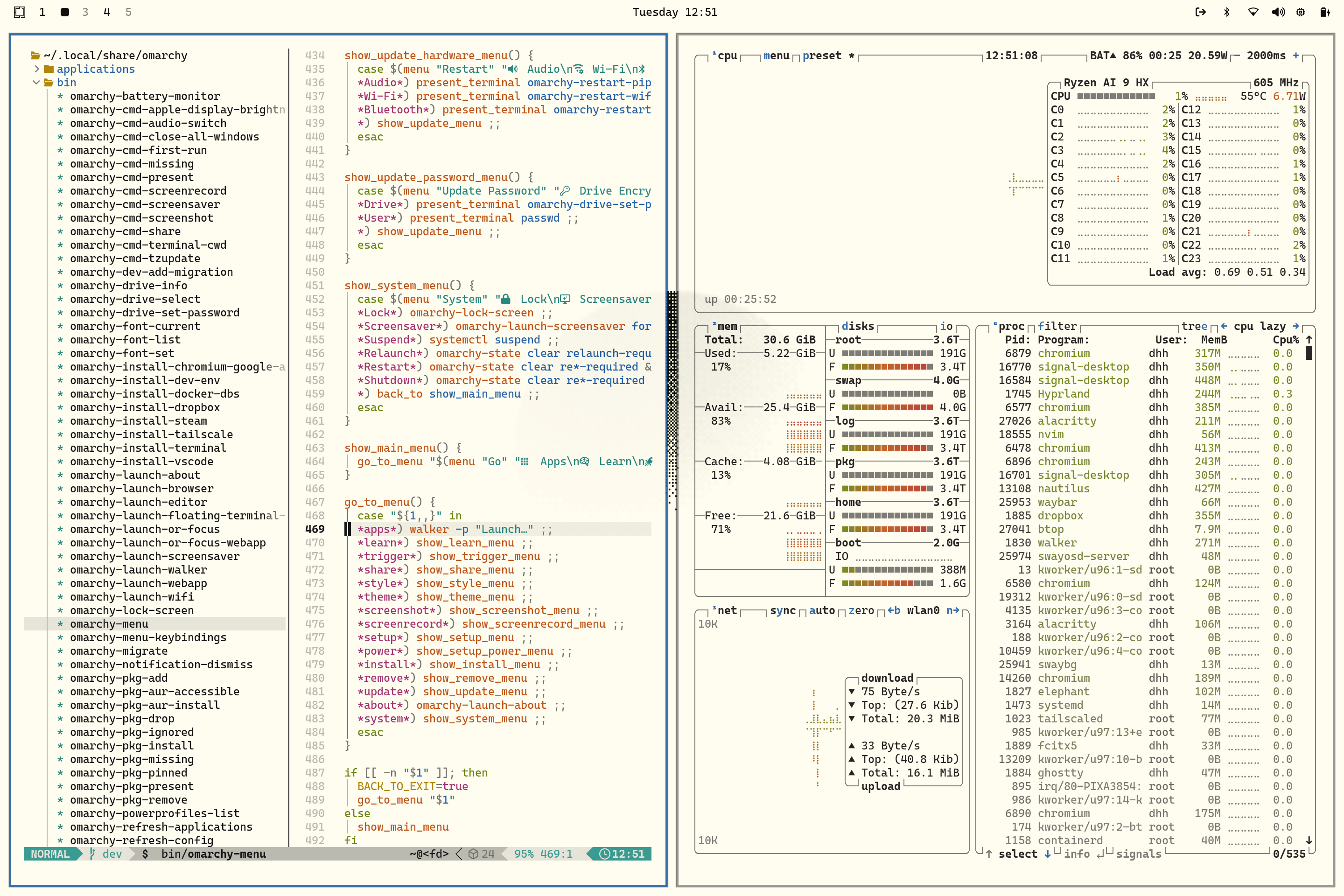
_Flexoki Light_
|
|
|
|

|
|
_Rose Pine_
|
|
|
|

|
|
_Catppuccin Latte_
|
|
|
|
|
|
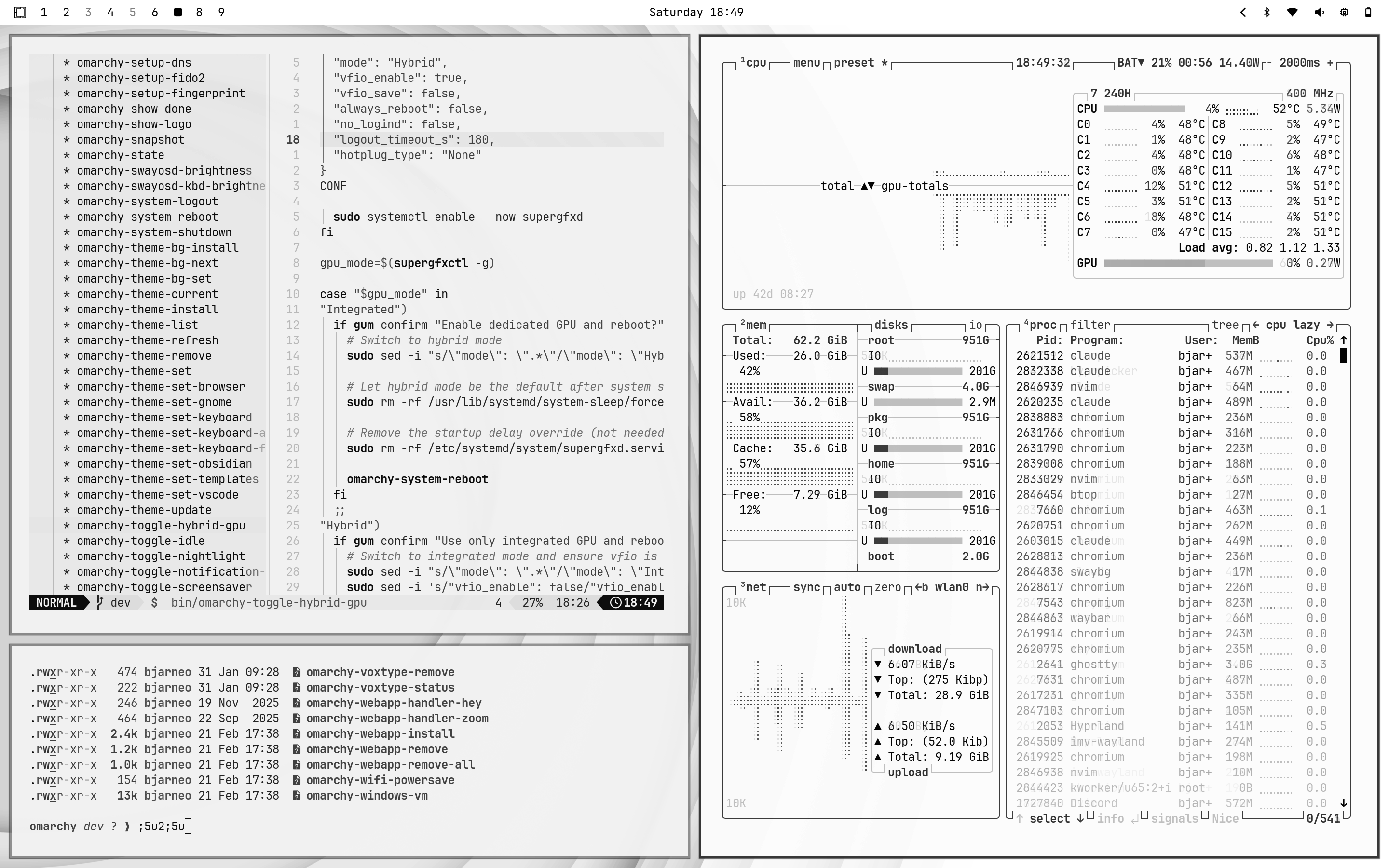
_White_
|
|
|
|
### Unlocks
|
|
|
|
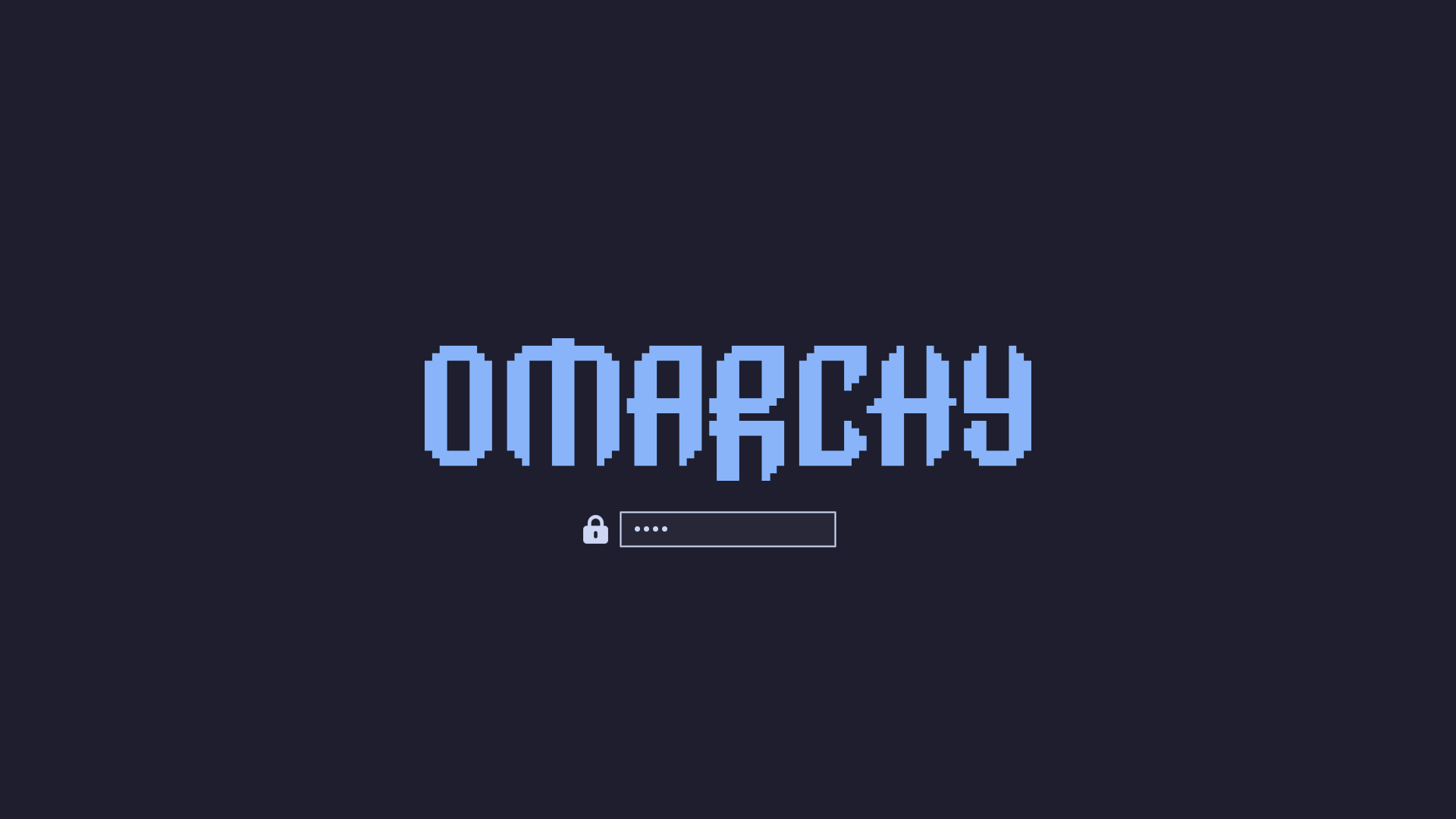
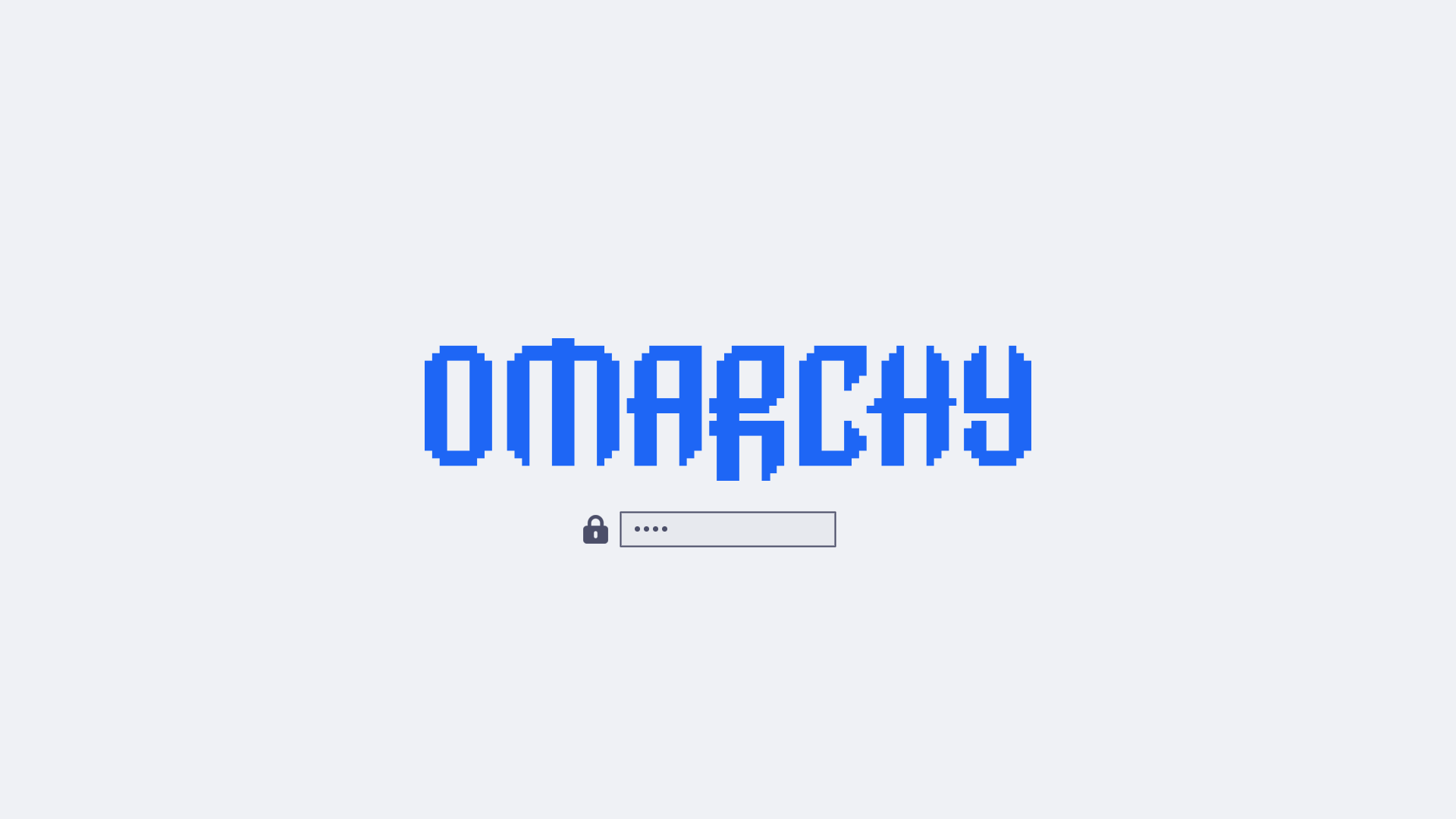
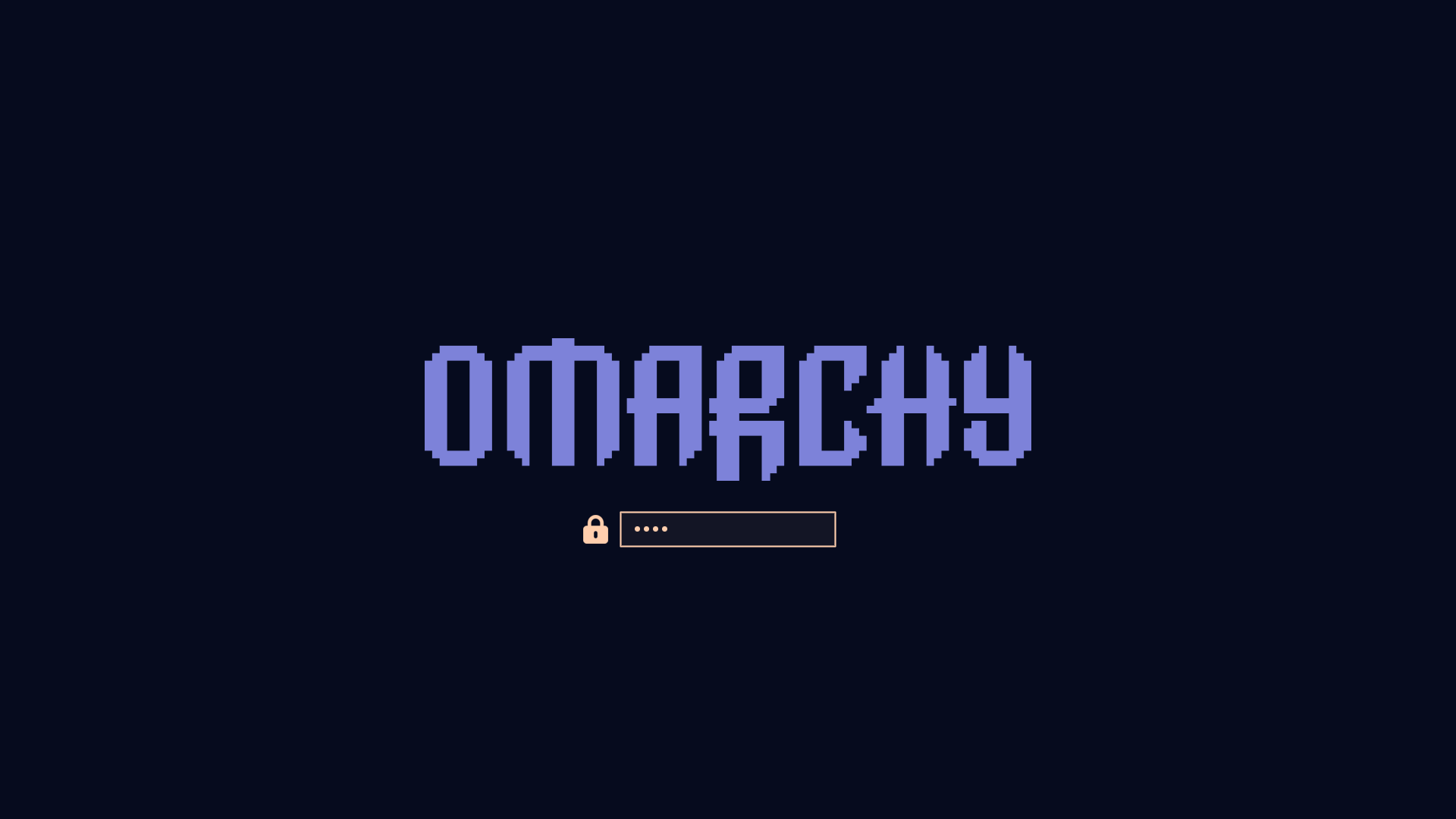
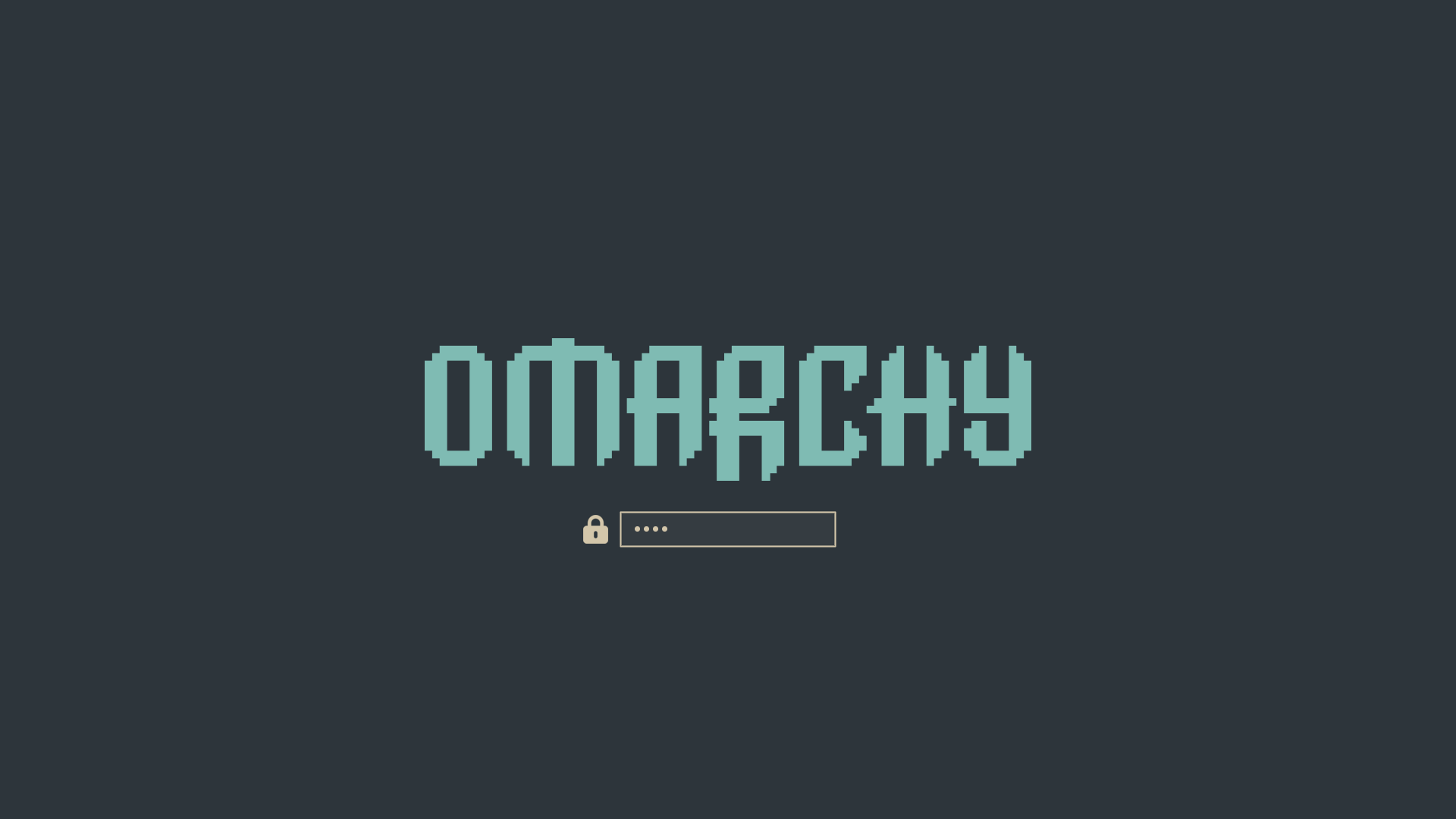
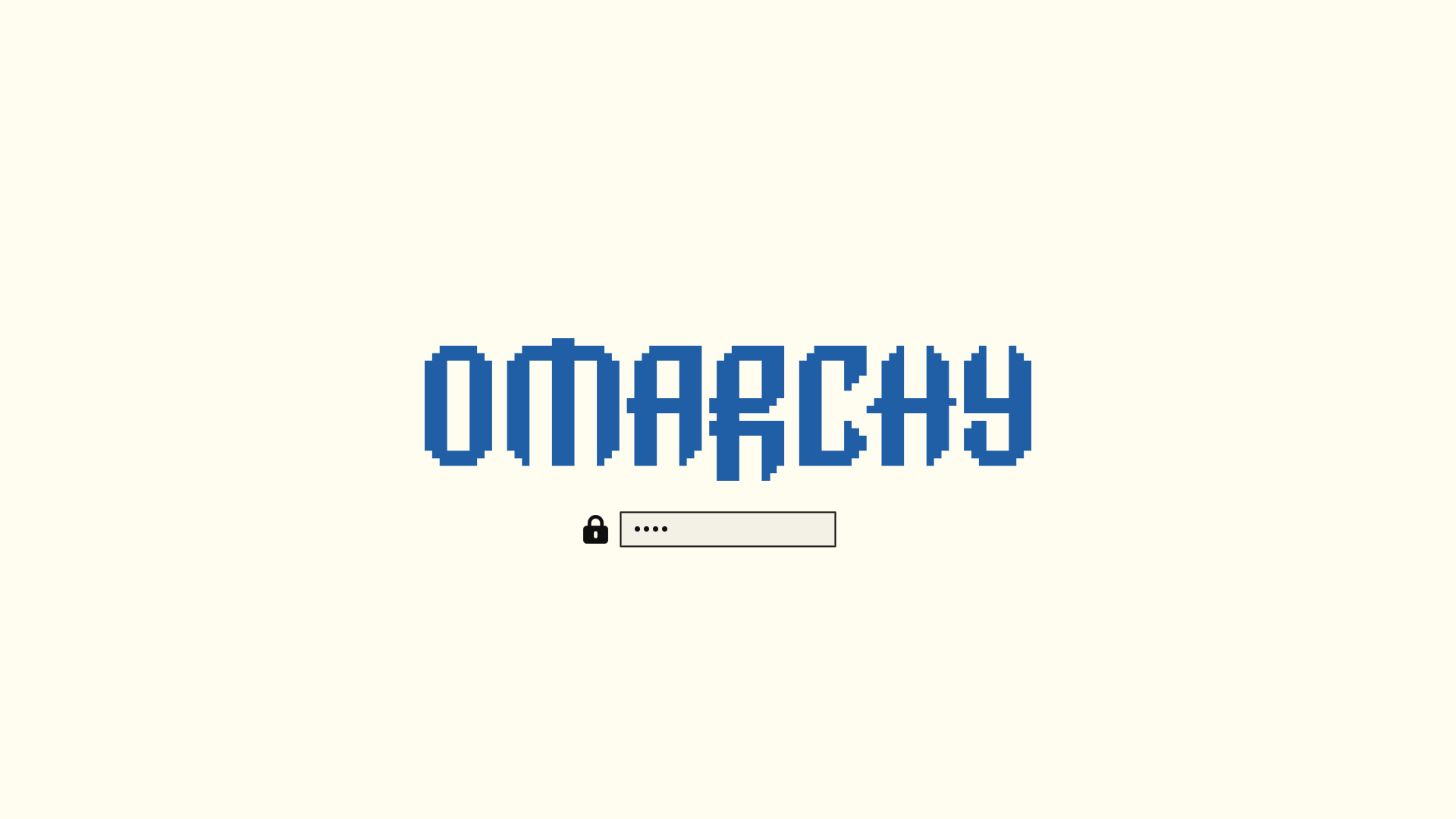
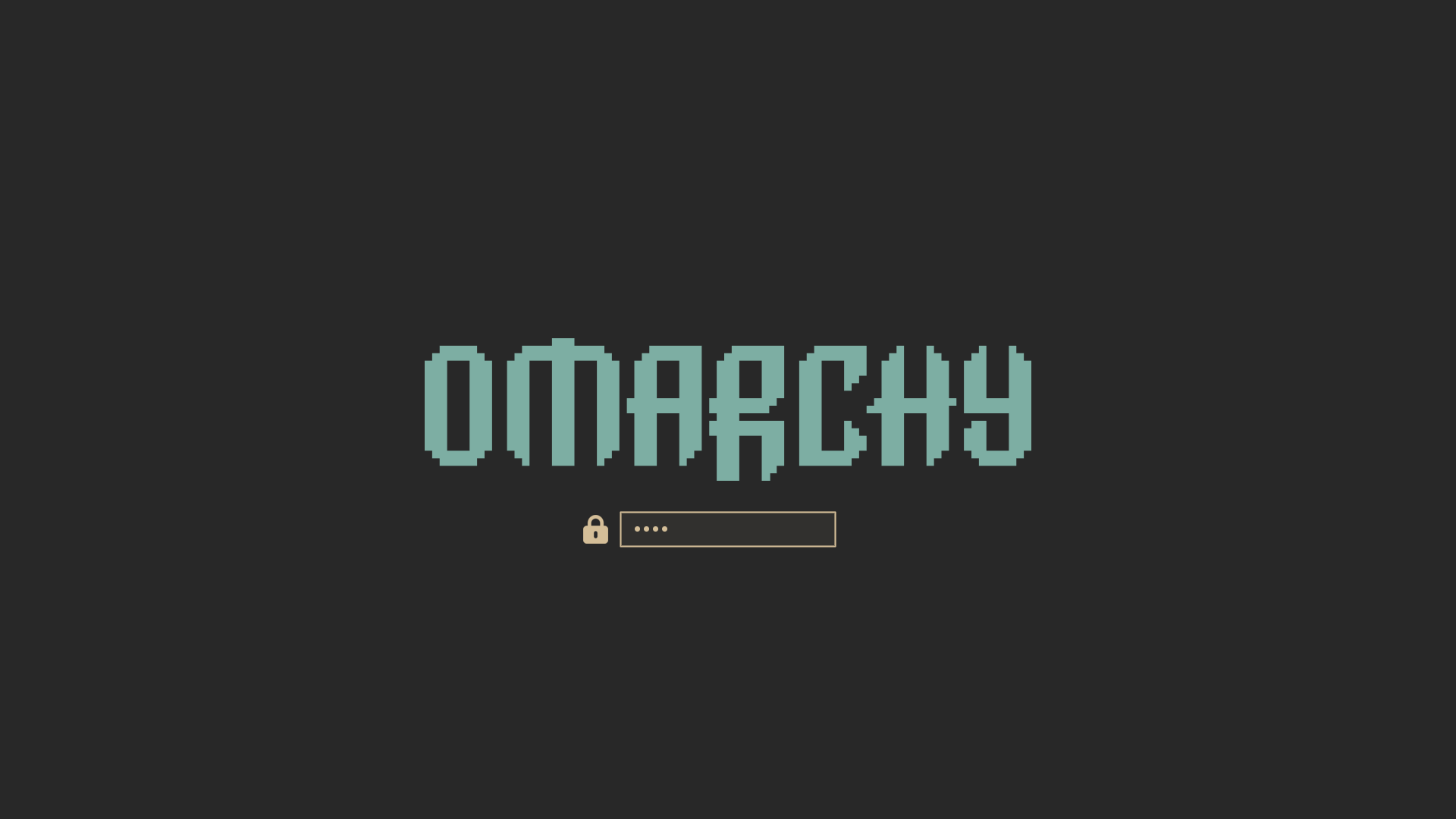
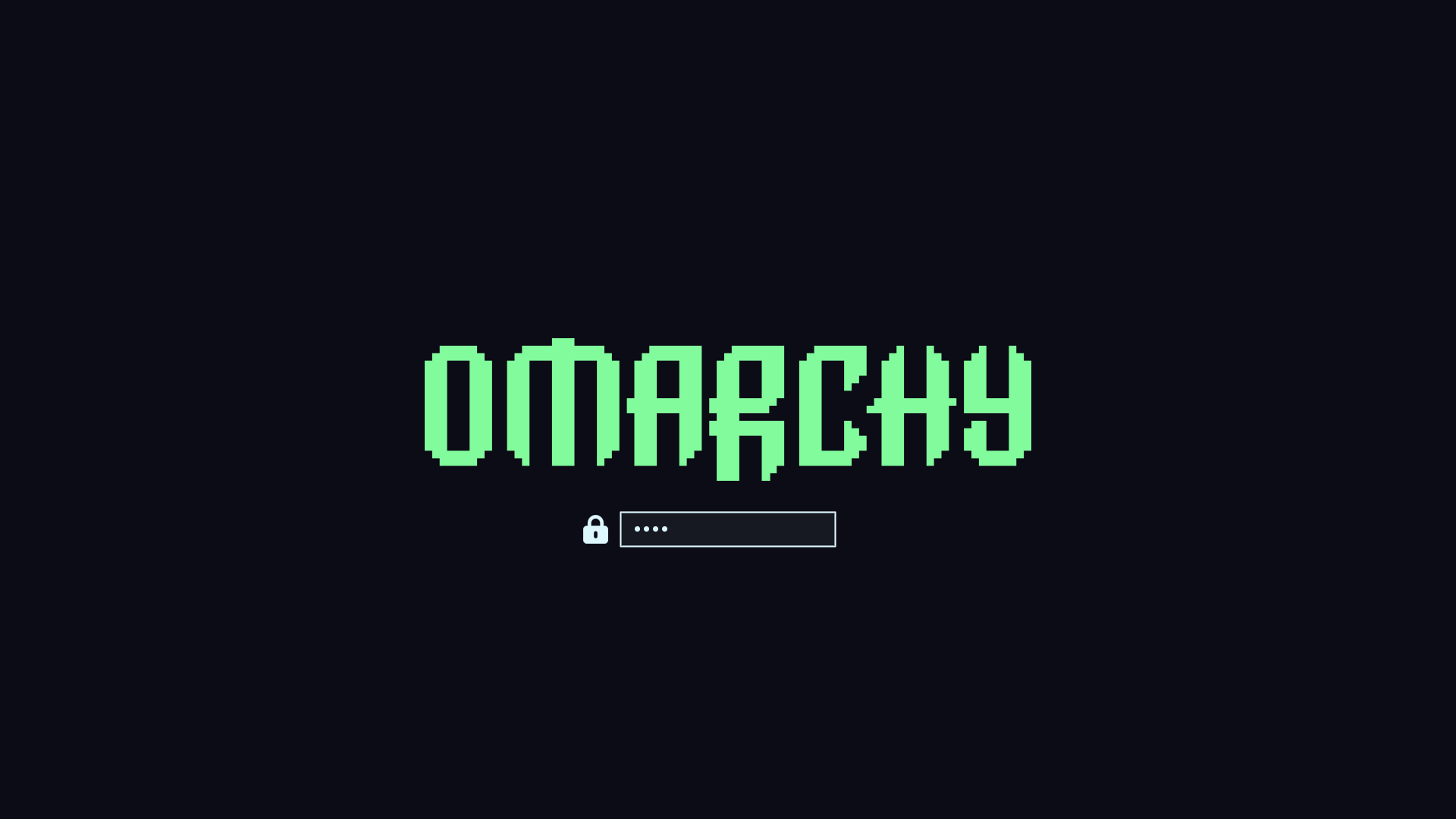
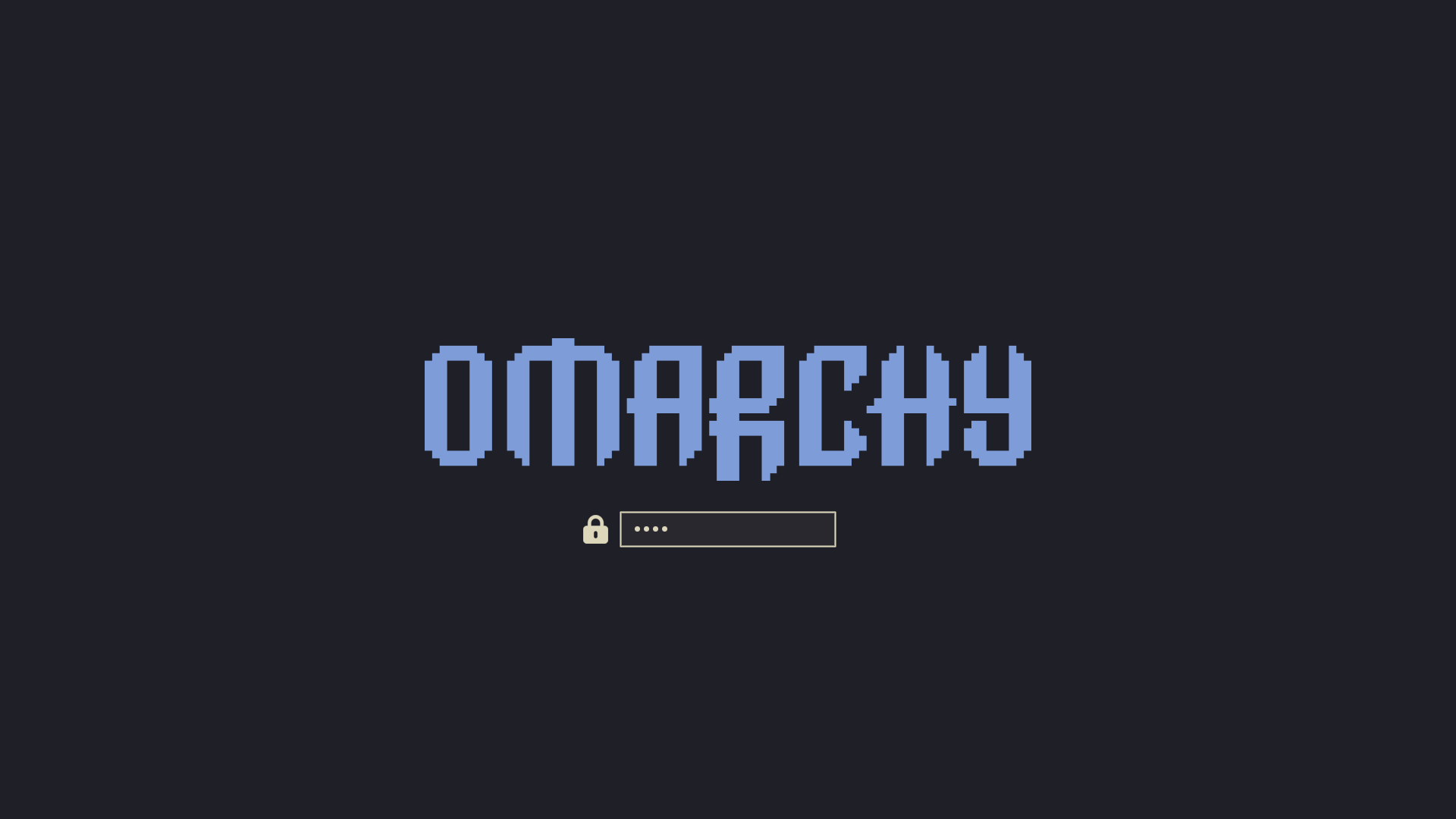
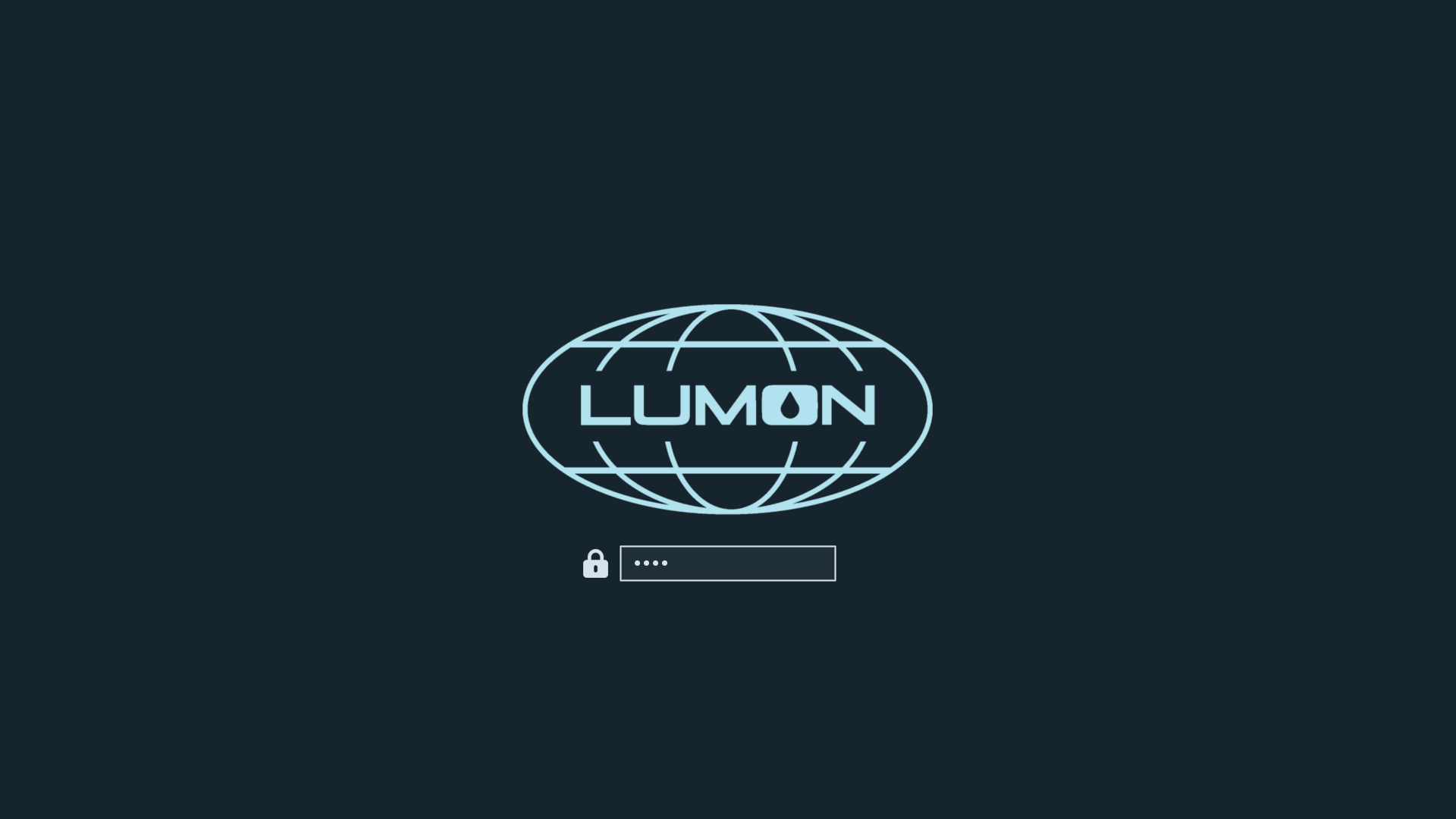
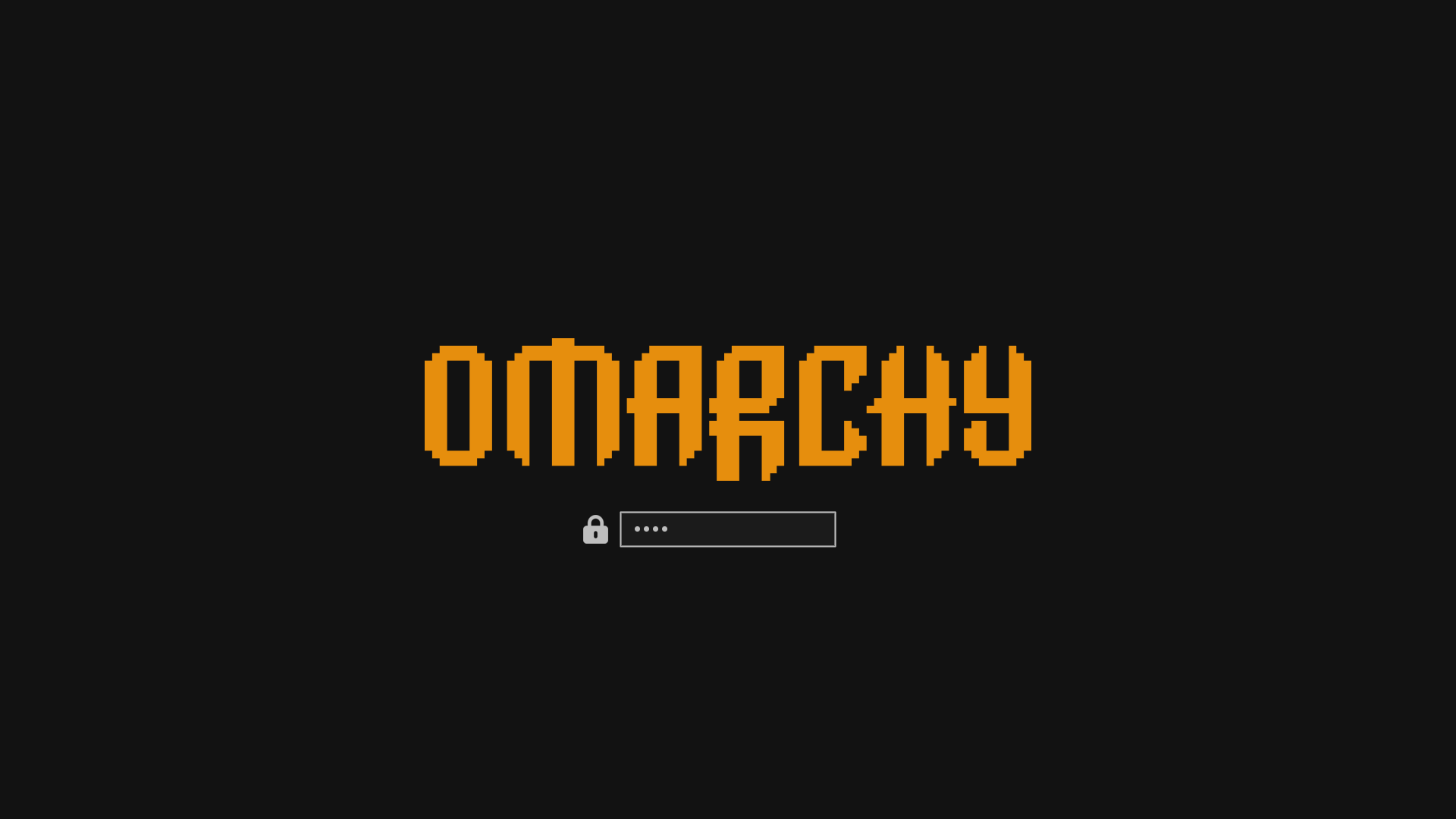
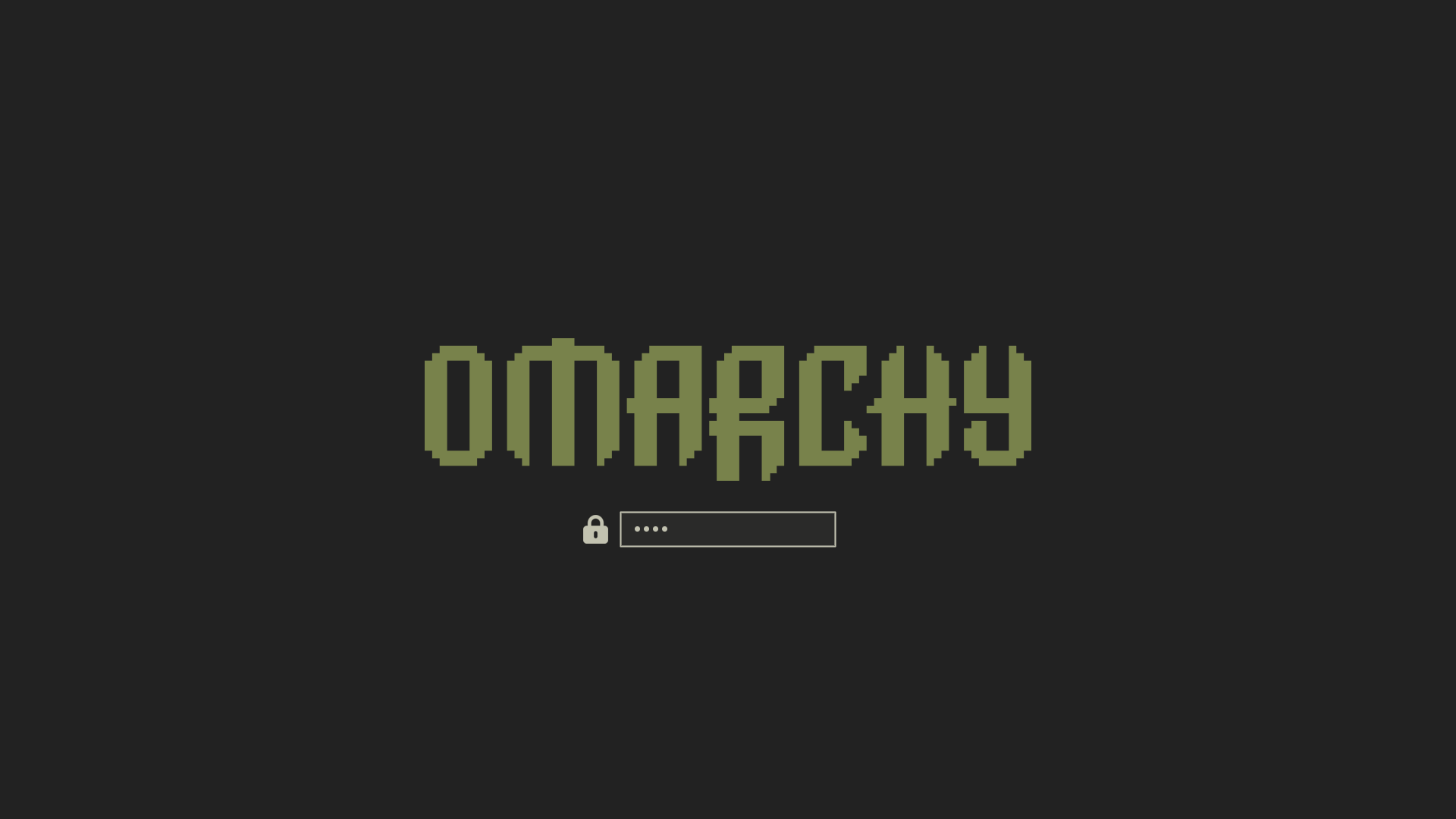
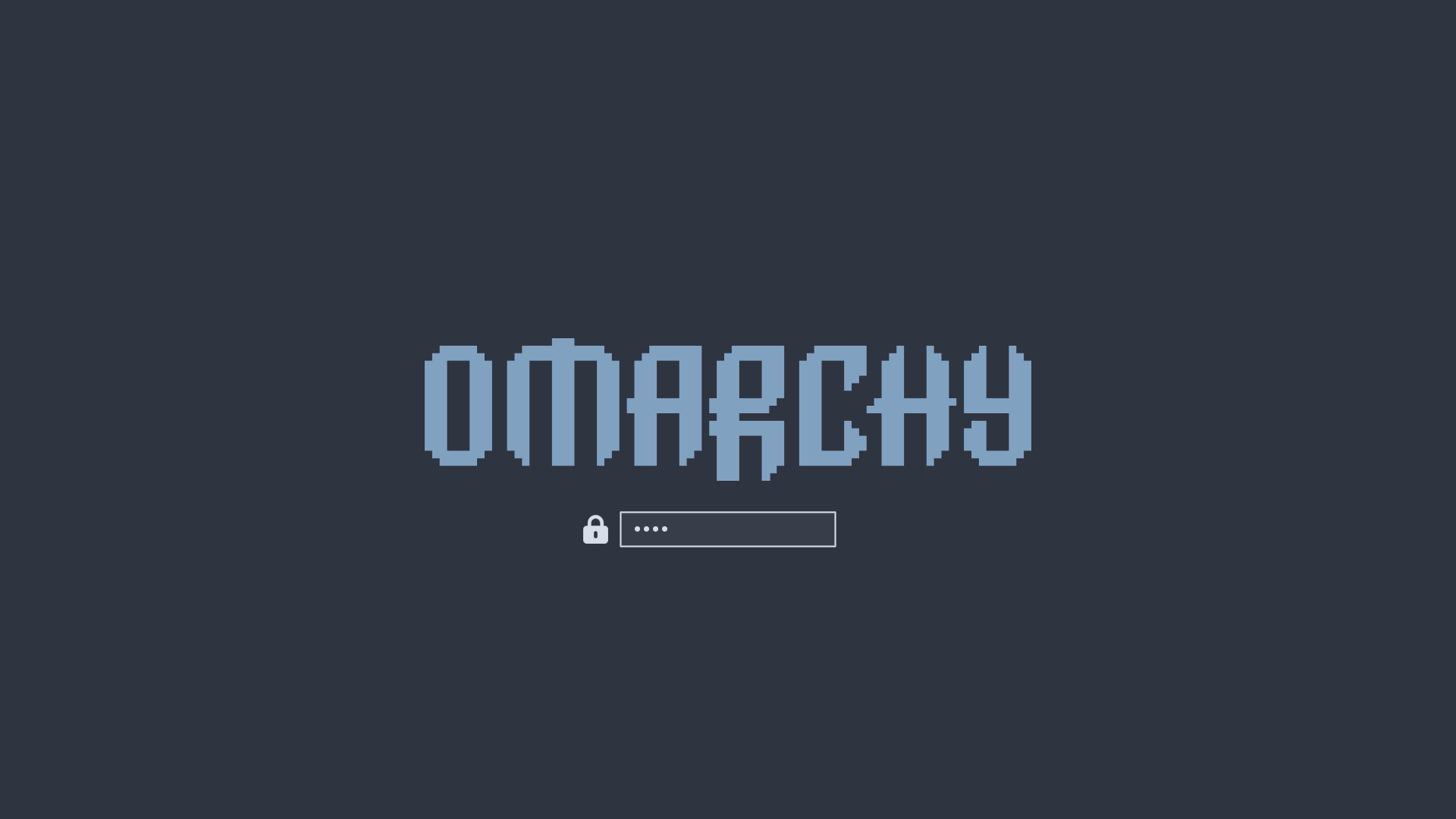
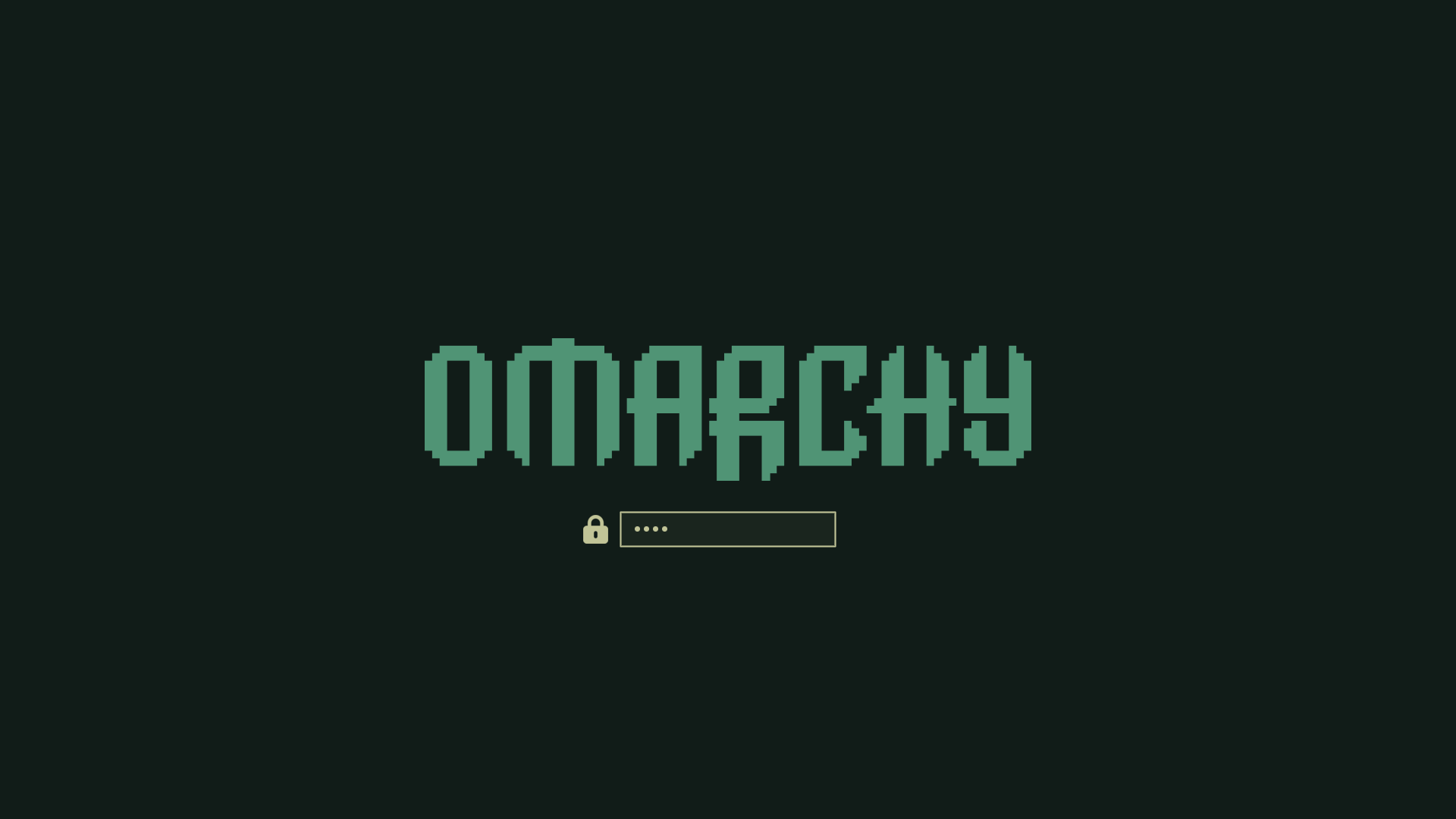
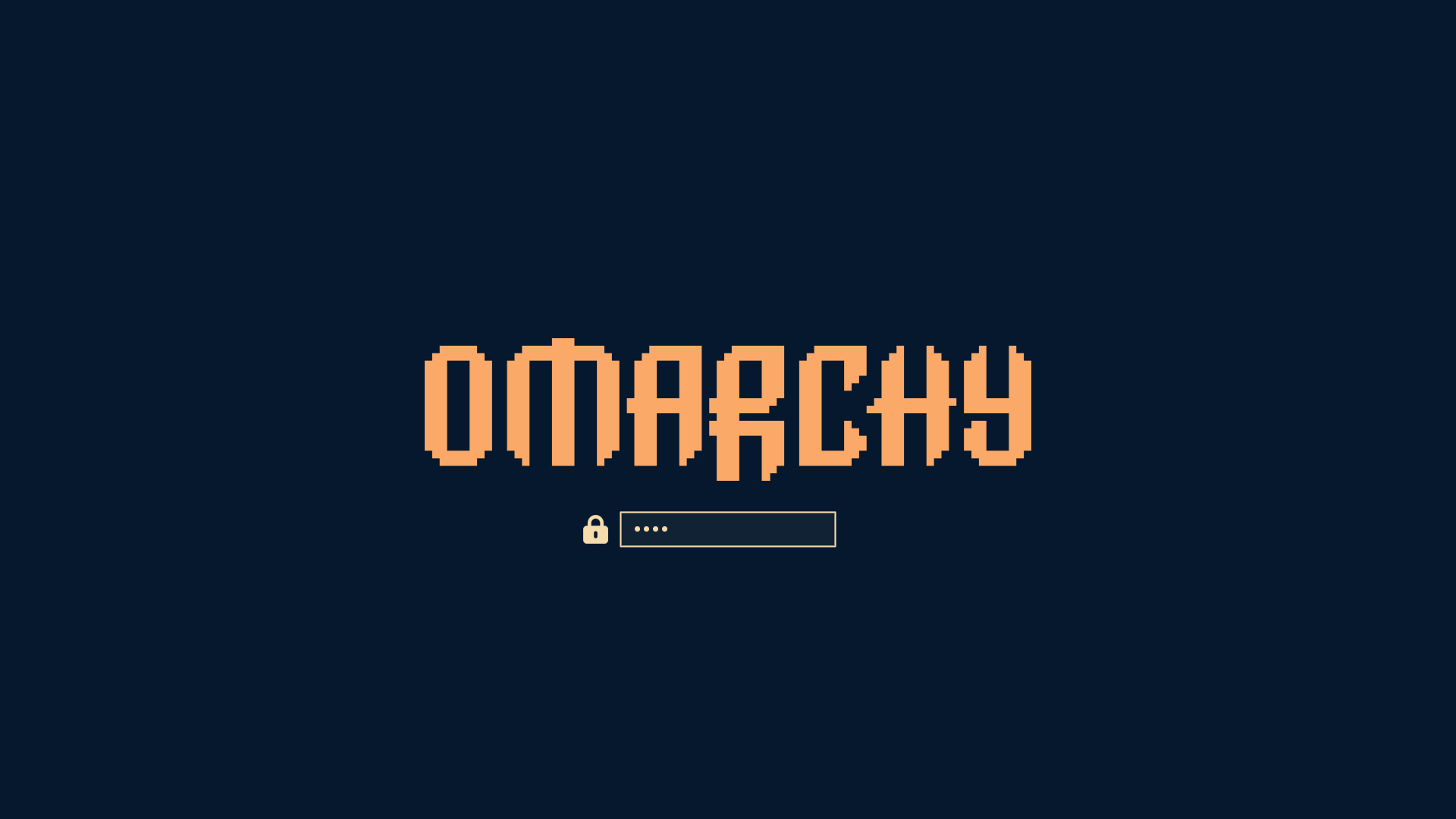
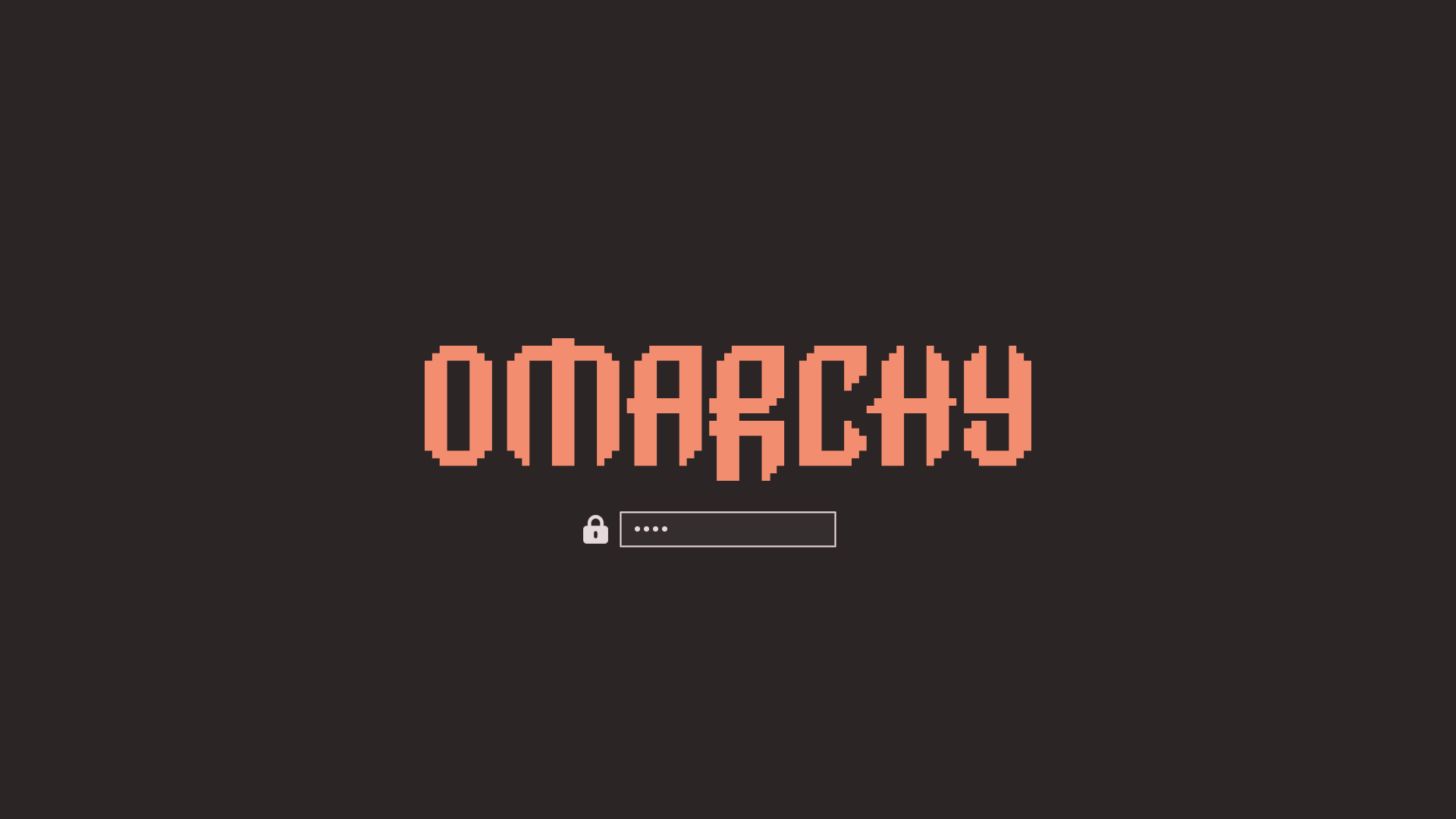
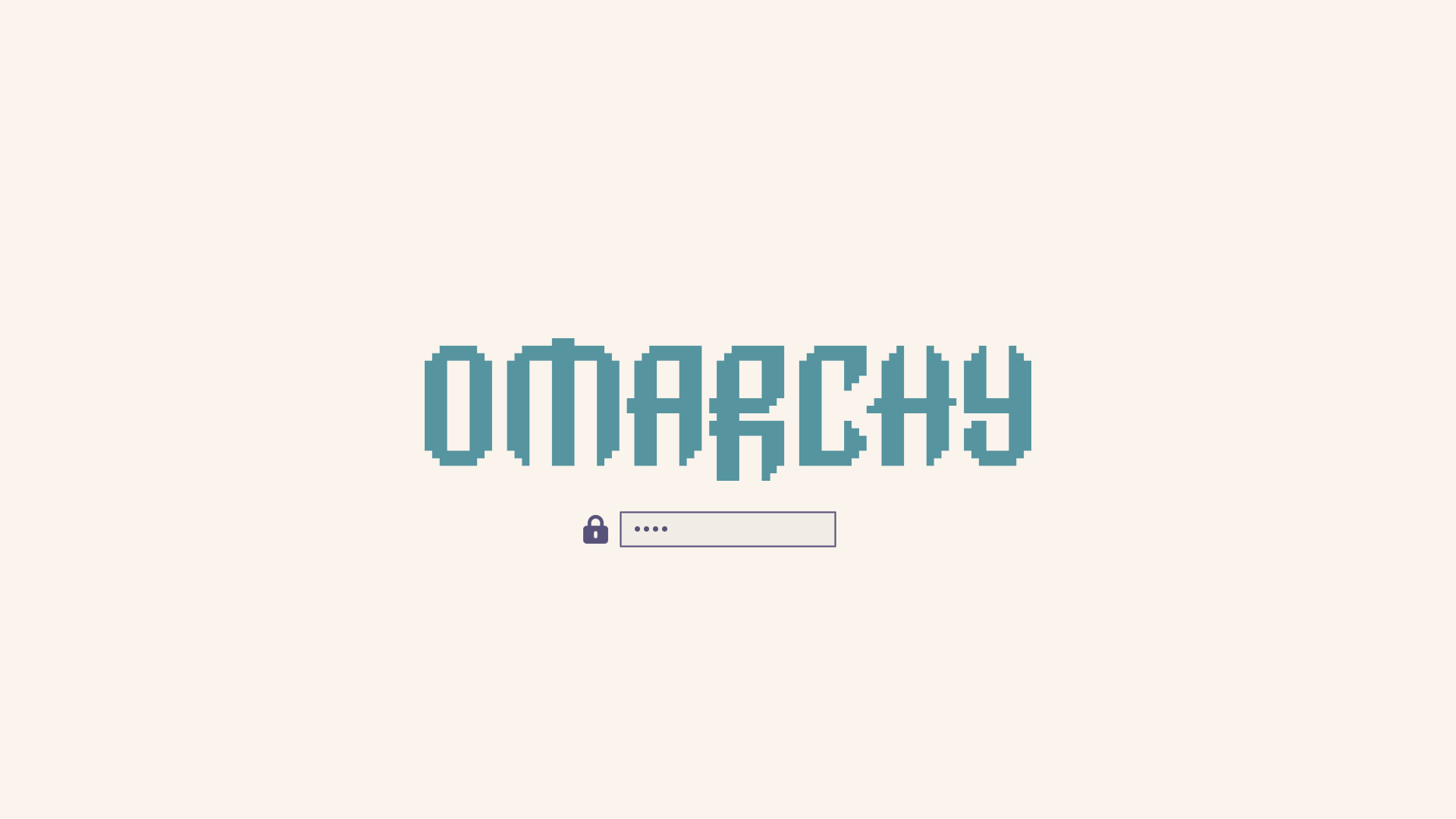
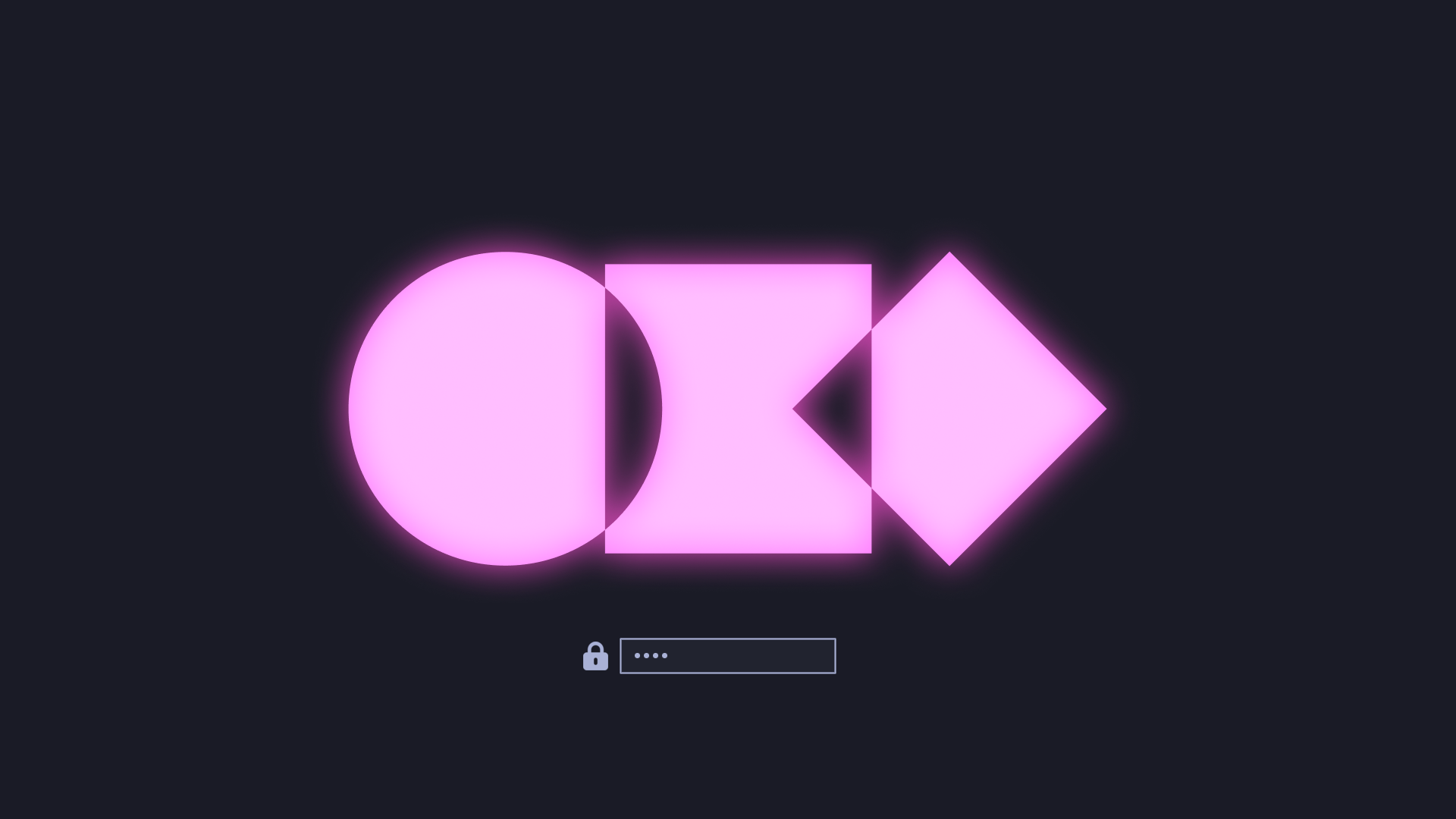
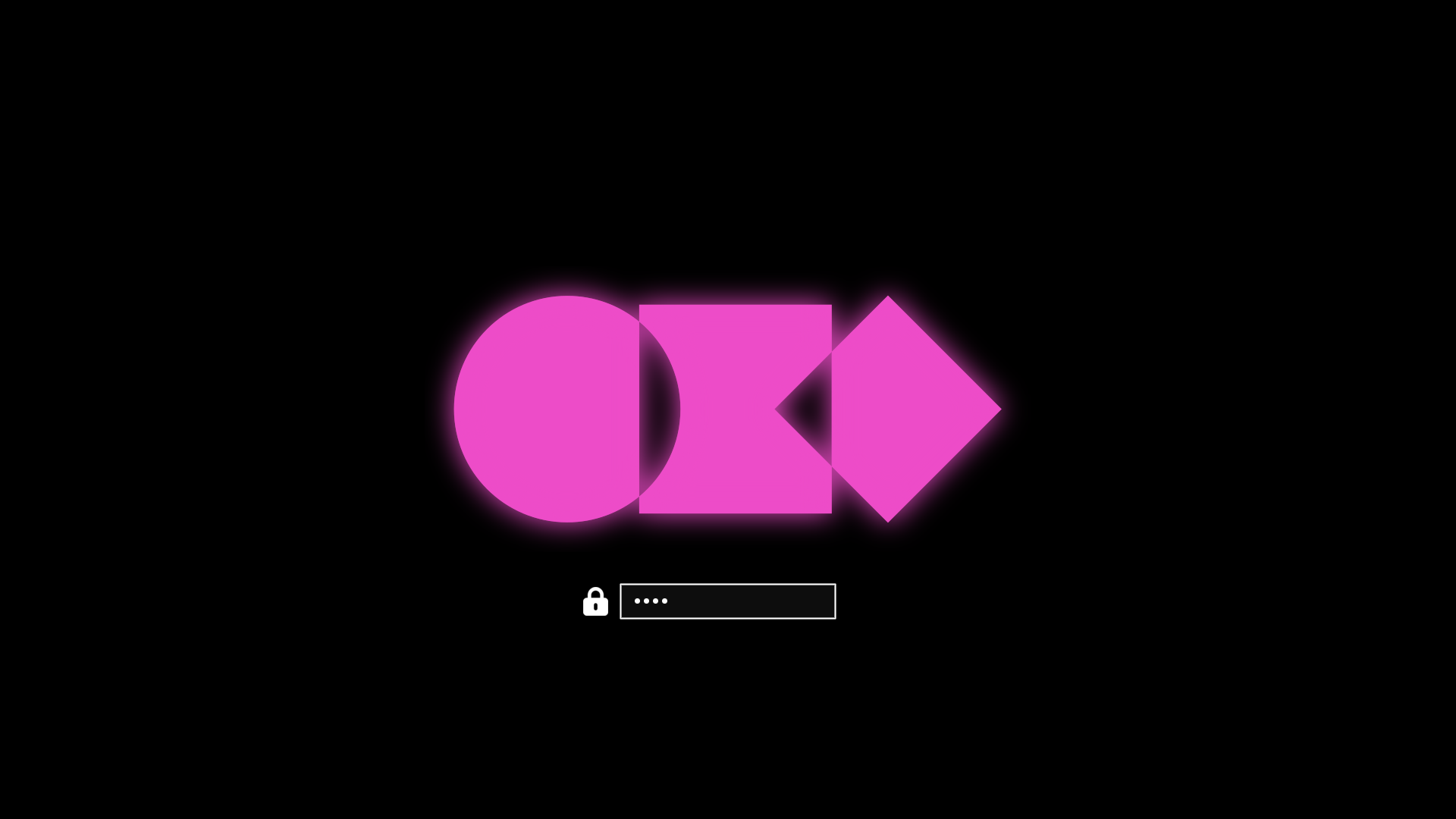
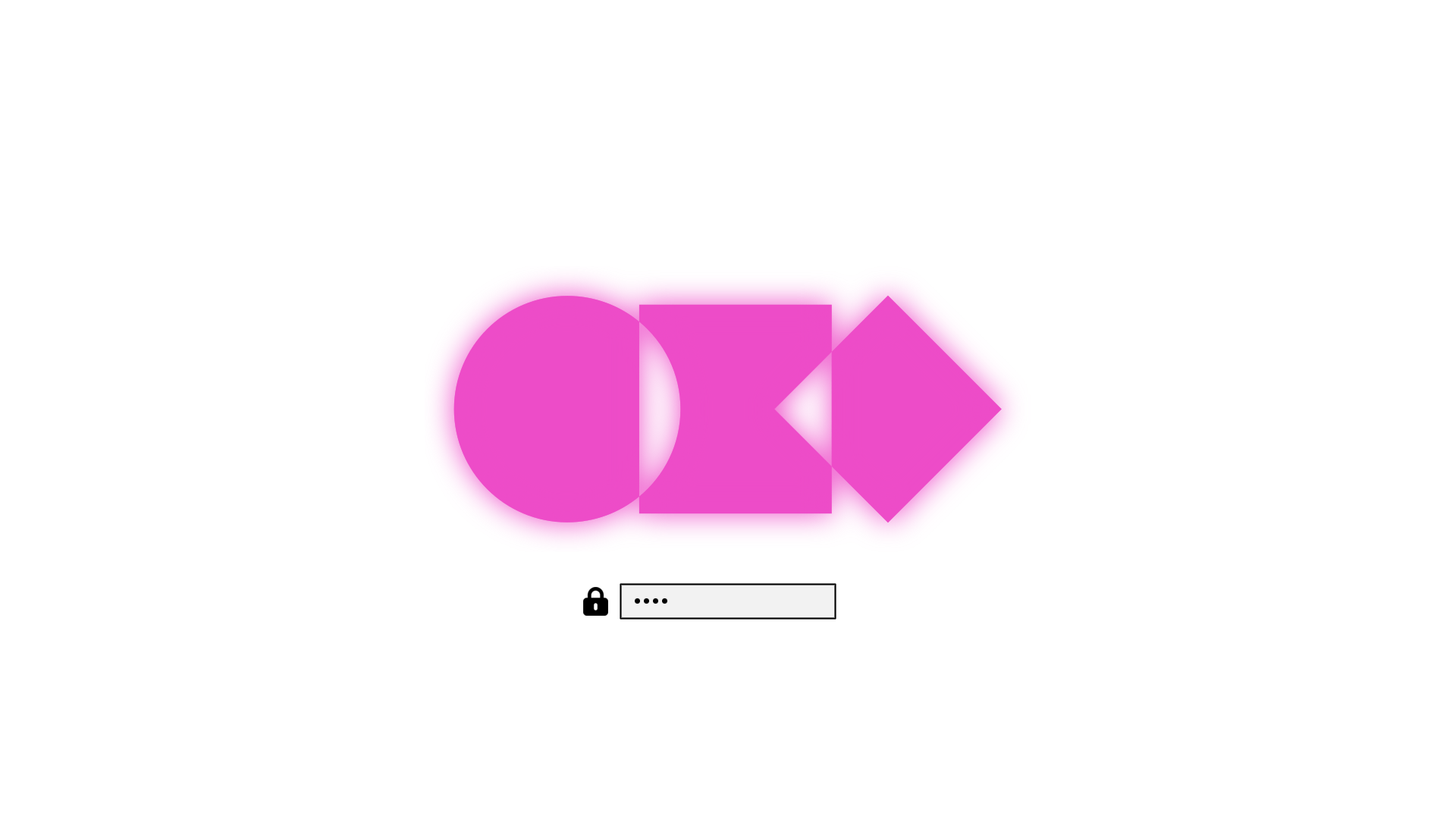
Themes can also have a custom unlock design, which is used for the boot decryption process. You can select one of these under _Style > Unlock_. They look like this:
|
|
|
|
|
|
_Catppuccin_
|
|
|
|
|
|
_Catppuccin Latte_
|
|
|
|
|
|
_Ethereal_
|
|
|
|
|
|
_Everforest_
|
|
|
|
|
|
_Flexoki Light_
|
|
|
|
|
|
_Gruvbox_
|
|
|
|
|
|
_Hackerman_
|
|
|
|
|
|
_Kanagawa_
|
|
|
|
|
|
_Lumon_
|
|
|
|
|
|
_Matte Black_
|
|
|
|
|
|
_Miasma_
|
|
|
|
|
|
_Nord_
|
|
|
|
|
|
_Osaka Jade_
|
|
|
|
|
|
_Retro 82_
|
|
|
|
|
|
_Ristretto_
|
|
|
|
|
|
_Rose Pine_
|
|
|
|
|
|
_Tokyo Night_
|
|
|
|
|
|
_Vantablack_
|
|
|
|
|
|
_White_
|